
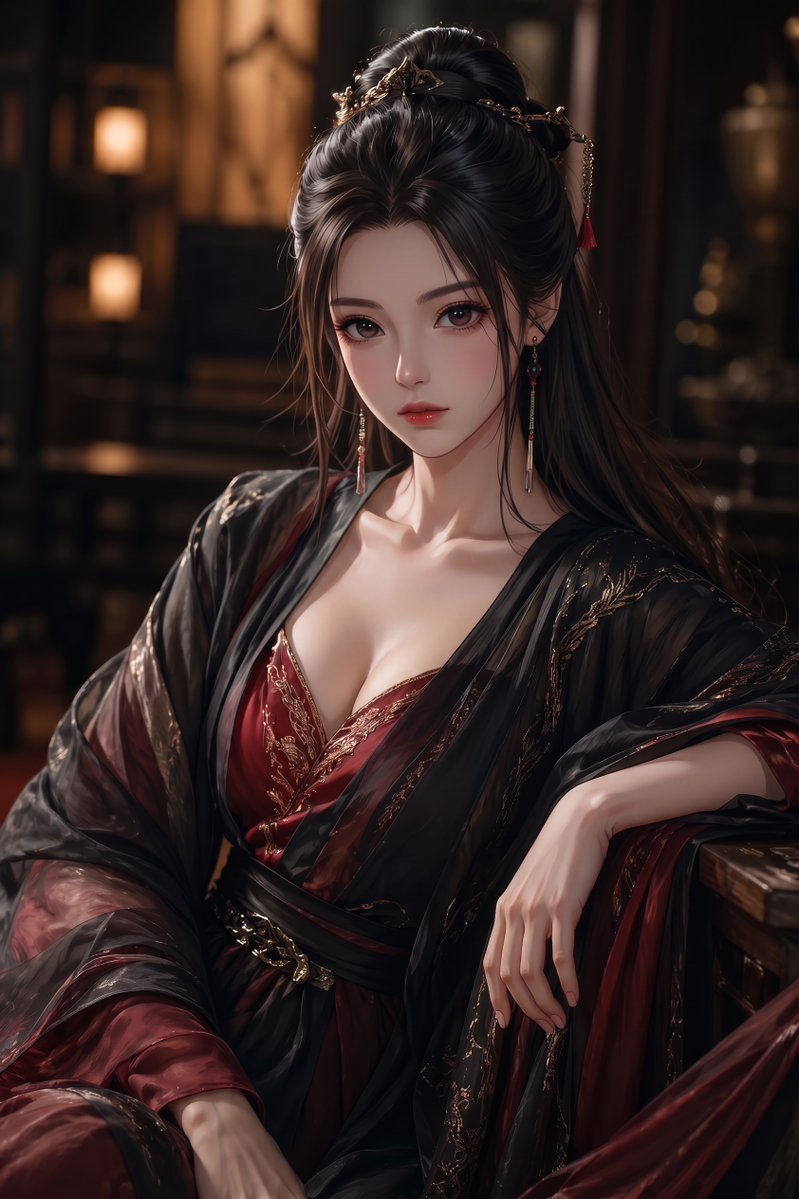
Elegant Wuxia Noblewoman Portrait
Generates a cinematic semi-realistic fantasy portrait of a richly dressed ancient Chinese-inspired noblewoman with an obscured face for stylized character illustration use.
즉각적인
Create a vertical semi-realistic digital illustration of {argument name="character type" default="an elegant adult East Asian fantasy noblewoman"} seated indoors in a dim, luxurious ancient Chinese-inspired study or palace room. She wears a deep {argument name="main robe color" default="burgundy red"} low-cut silk dress with ornate gold embroidery, layered under a sheer glossy black outer robe with flowing translucent sleeves and black sash, giving a refined wuxia/xianxia courtesan or noble consort aesthetic. Her long {argument name="hair color" default="black"} hair is styled half-up with elaborate gold hairpins, delicate chains, small red tassels, and long dangling earrings. Compose her from mid-thigh to head in a relaxed seated pose, one arm resting on a wooden armrest and the other hand draped gracefully over her lap, with soft skin highlights, detailed fabric folds, and polished hands. The face should be completely obscured by a centered opaque {argument name="face cover color" default="muted brown"} square censor block, while the hair, ears, neck, collarbones, and clothing remain visible. Use warm cinematic lantern lighting, shallow depth of field, dark wooden furniture, blurred shelves and glowing lamps in the background, rich shadows, high-detail painterly realism, glossy silk texture, gold accents, sensual but elegant mood, portrait orientation, 2:3 aspect ratio.이 프롬프트 사용 방법
- 1프롬프트를 그대로 복사한 뒤 원하는 모델이나 Ideart 프로젝트에 붙여넣으세요.
- 2제품, 주제, 대상, 스타일 세부사항을 자신의 컨텍스트로 교체하세요.
- 3먼저 기준 결과를 생성한 뒤 가장 강한 방향을 캠페인, 이미지 세트 또는 비디오 콘셉트로 리믹스하세요.
이 프롬프트로 제작
영상 프롬프트를 완성된 크리에이티브 프로젝트로 바꾸세요.
프롬프트를 저장하고 참조 이미지나 노트를 추가한 뒤 Ideart가 같은 창작 스레드에서 다음 제작 단계를 만들게 하세요.