
ResimAI
Def init(self, subject= Subject , particle= Particle Type )
class procedural_particle_sim: def __init__(self, subject="[Subject]", particle="[Particle Type]"): self.canvas = "infinite light-grey 3d void, soft shadow-catcher floor, studio ambient occlusion." self.geometry = f"a 3d mesh of...
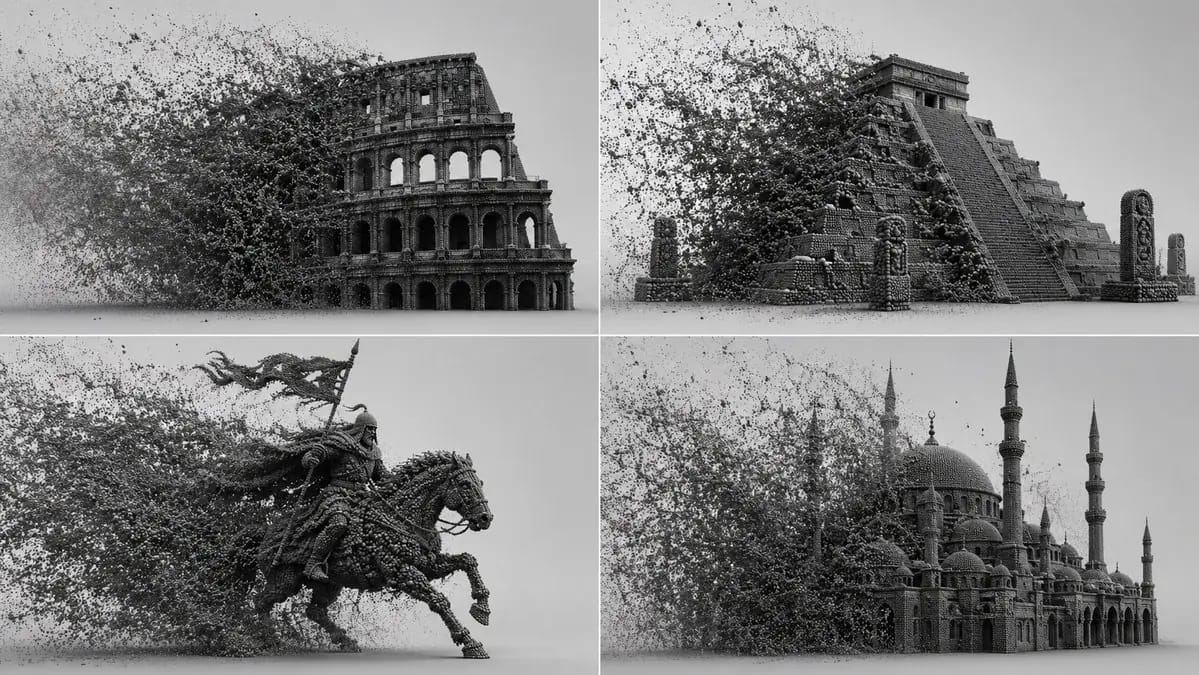
Prompt
class procedural_particle_sim:
    def __init__(self, subject="[Subject]", particle="[Particle Type]"):
        self.canvas = "infinite light-grey 3d void, soft shadow-catcher floor, studio ambient occlusion."
        self.geometry = f"a 3d mesh of {self.subject} completely voxelized into thousands of tiny, dense {self.particle}s."

    def apply_kinetic_forces(self, narrative="[Force Narrative]"):
        # ai auto-inference: calculate wind, turbulence, and attractors
        force_vector = infer_directional_velocity(narrative)
        swarm_logic = f"a massive, dense cloud of {self.particle}s filling the left frame, trailing and interacting with the {self.subject} via {force_vector}."
        return swarm_logic

    def render_settings(self):
        return "octane render, path tracing, perfectly spherical particles, deep micro-shadows between intersecting points, monochrome dark grey material."

render_simulation(procedural_particle_sim())Bu prompt nasıl kullanılır
- 1Prompt’u aynen kopyalayın ve tercih ettiğiniz modele veya Ideart projesine yapıştırın.
- 2Ürün, konu, hedef kitle ve stil ayrıntılarını kendi bağlamınızla değiştirin.
- 3Önce bir temel sonuç üretin, ardından en güçlü yönü kampanyaya, görsel serisine veya video konseptine remixleyin.
Yakındaki prompt yollarını keşfet
Model
Bu prompt’tan inşa et
Bir resim prompt’unu tamamlanmış yaratıcı projeye dönüştürün.
Prompt’u kaydedin, referans görseller veya notlar ekleyin ve Ideart’ın aynı yaratıcı akıştan sonraki üretim adımını şekillendirmesine izin verin.