
01
Generate a transcript from an Instagram Reel URL
Paste one publicly reachable Reel or video-post URL. The workflow does not request Instagram credentials and does not bypass private-profile or login controls.
Paste a public Instagram Reel or video-post URL with accessible spoken audio. Generate a Reel transcript with timestamps and subtitle files without uploading the media again.
Instagram transcript generator for public Reels and videos
This Instagram transcript generator turns accessible speech from a public Reel or video post into searchable, timestamped text. Use the result for caption repair, quote review, social listening, localization preparation, or script reuse. Private profiles, Stories, login-only pages, deleted posts, and posts without usable audio are not valid transcription sources.
Paste one publicly reachable Reel or video-post URL. The workflow does not request Instagram credentials and does not bypass private-profile or login controls.
Standard transcription detects the spoken language and keeps word timing, making short clips easier to search, quote, caption, and review.
For interviews or multi-person clips, choose speaker-aware mode instead of inferring unsupported speakers from standard transcription.
The protected project result can be downloaded as clean TXT, structured JSON, SRT, or WebVTT without another transcription job.
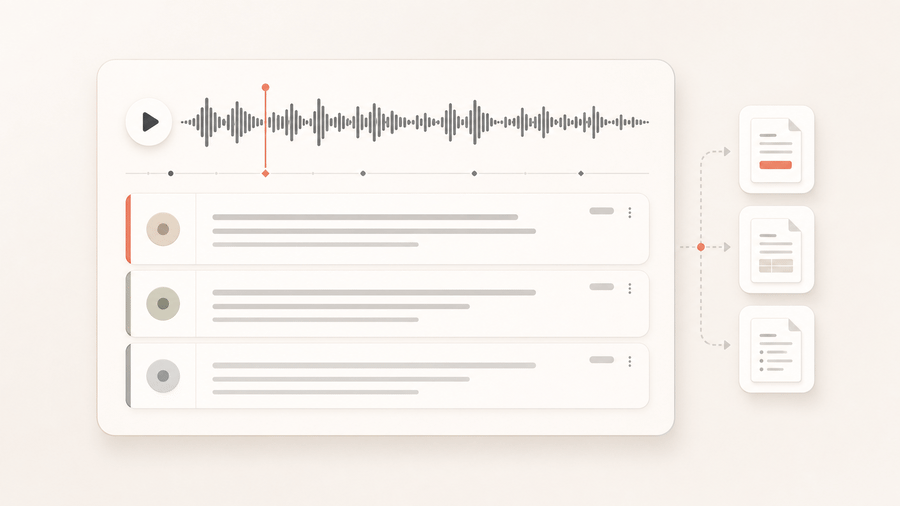
Recover the spoken script from a public educational Reel for review, approved quotation, or an accessible text companion.
Transcribe this public Instagram Reel with timestamps and automatic language detection.
Searchable spoken text with timeline references and subtitle downloads.
Keep speaker turns when a public branded interview or event clip contains more than one voice.
Use speaker-aware mode for this public Instagram interview video.
Labeled segments for editorial review, quotes, and social copy.
Credits are settled from actual transcript duration. Choose standard transcription for timed text or speaker-aware transcription when dialogue needs attribution.
Includes automatic language detection and word-level timestamps. This mode does not add speaker labels.
Adds speaker labels and audio-event tags. Enabling keyterm guidance costs 540 credits per hour.
The completed result records the selected mode, actual duration, and exports. TXT, JSON, SRT, and VTT downloads do not start another transcription job.
See how one public link or uploaded file becomes structured text with timing data and reusable download formats.
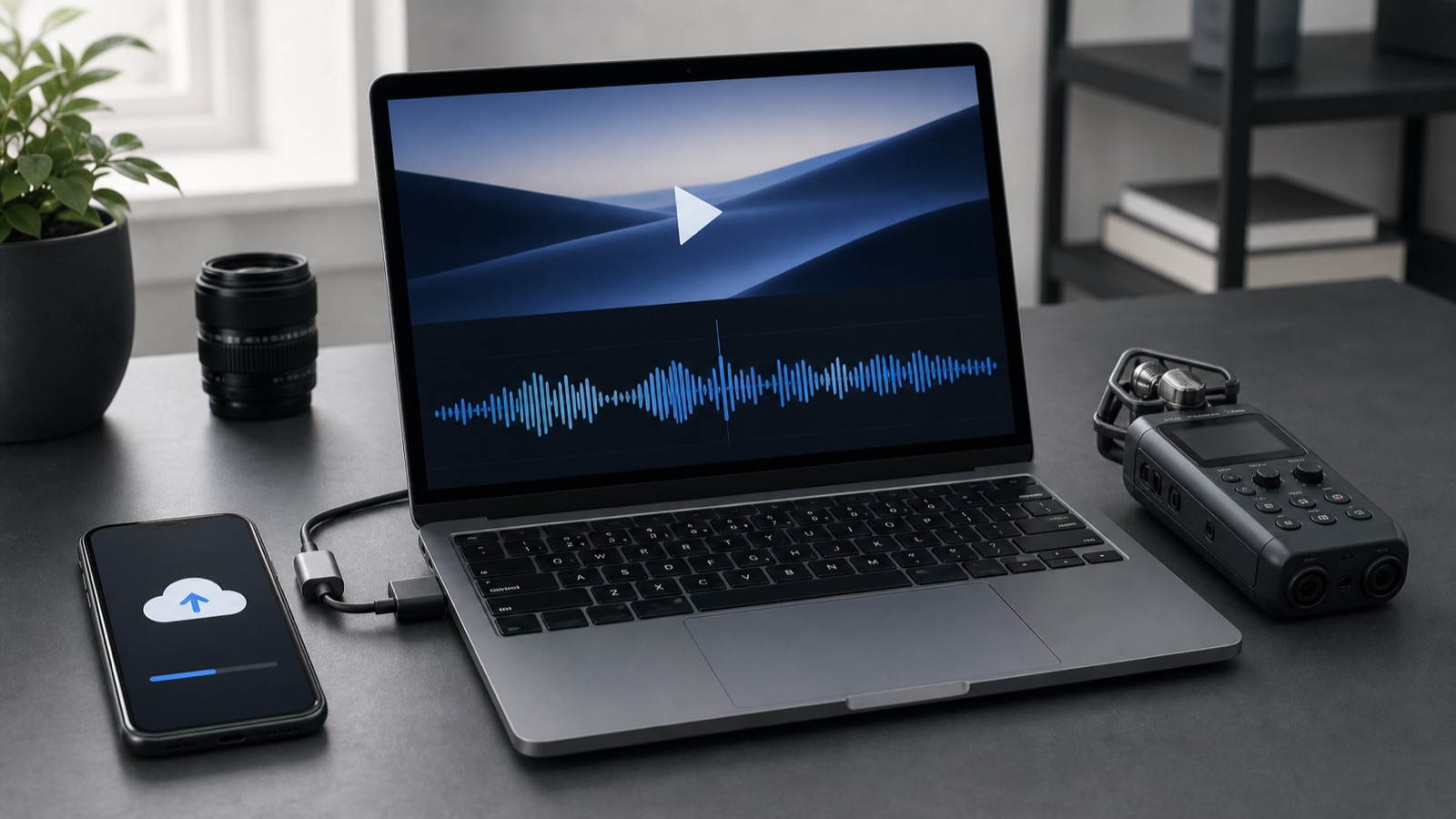
Paste a public video URL or upload one audio or video file. The sandbox downloads and normalizes the source before transcription.
Speech is normalized into searchable text, timed words, and readable segments. Speaker-aware mode can also retain speaker labels and audio events.
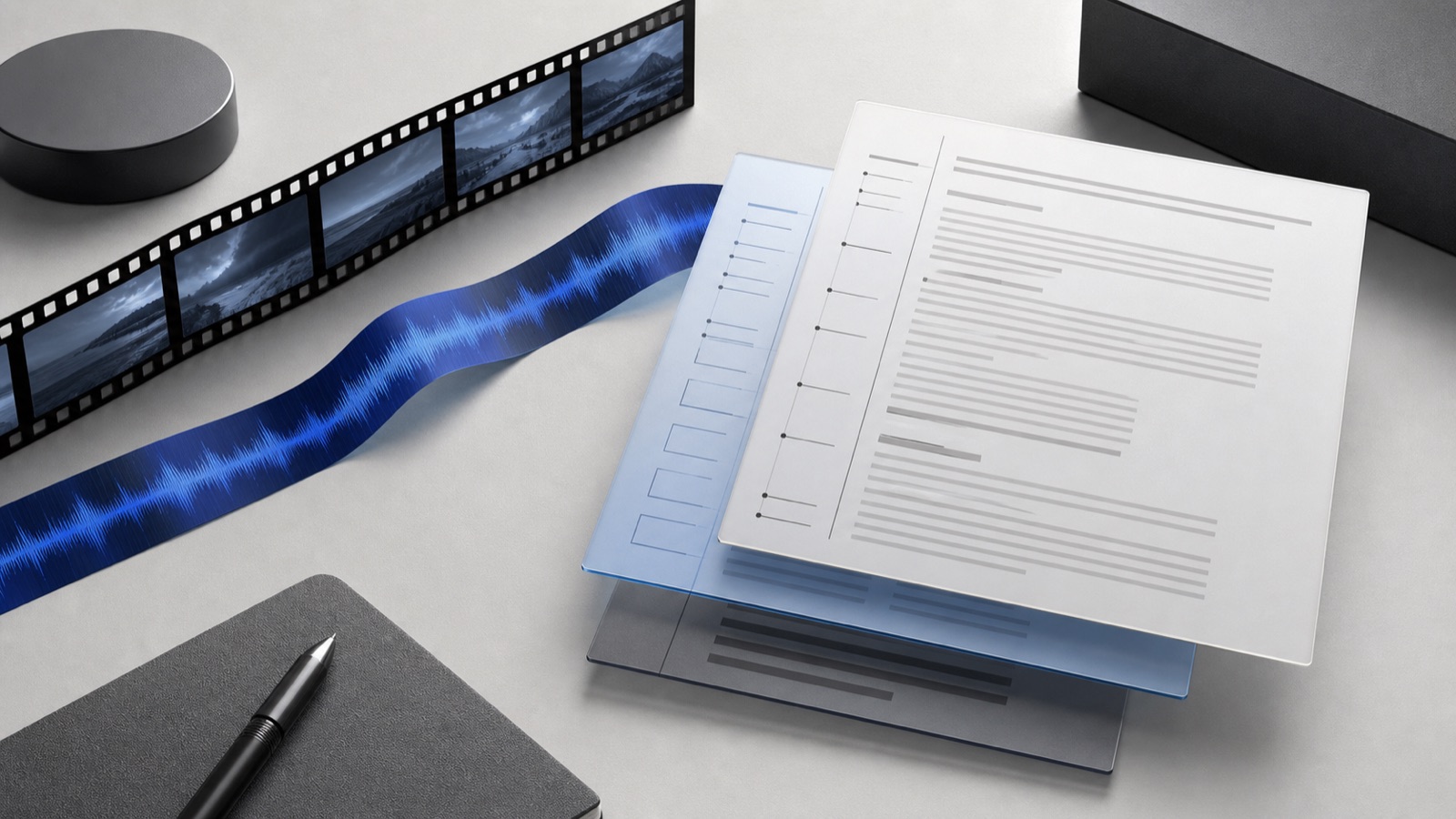
Reuse the completed result as plain text, structured JSON, SRT captions, or WebVTT without another transcription job.
Audit published spoken copy, repair captions, and preserve approved wording from public campaign Reels.
Search public creator commentary as text while retaining timestamps that point back to the source clip.
Recover a Reel script for subtitles, show notes, localization preparation, or responsibly attributed reuse.
Use a publicly reachable Reel or video-post page. Private, login-only, deleted, or audio-free posts cannot produce a transcript.
Choose standard transcription for timed text, or speaker-aware mode when speaker labels or audio-event tags matter.
Open the completed artifact and download TXT, JSON, SRT, or VTT for captions, research, or editorial work.
Paste one publicly reachable Reel or video-post URL with accessible spoken audio. The runner transcribes the speech and returns searchable text with timestamps inside the project.
Public Instagram Reels and video-post pages are the intended sources. Private profiles, Stories, deleted posts, login-only pages, and still-image posts without spoken media are not supported.
Standard transcription costs 10 credits per minute. Speaker-aware transcription costs 440 credits per hour, or 540 credits per hour with keyterm guidance.
Yes. Download the completed transcript as TXT or structured JSON, or use timestamped SRT and VTT files for subtitle work.
Start with one accessible Reel or video URL and keep its transcript, timing, and subtitle files with the rest of your project.