
ImagemGPT Image 2
Filtro de Desenho Malfeito estilo MS Paint
Transforma uma foto de referência em um estilo de pixel art de baixa fidelidade, como se tivesse sido desenhado com o mouse no MS Paint.
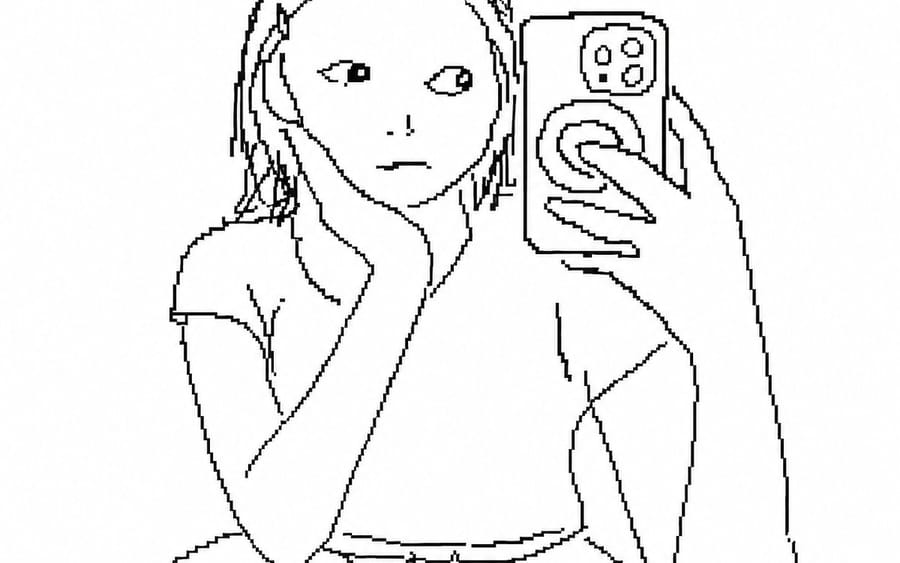
Prompt
Desenhe a imagem em anexo com {argument name="style" default="linhas desajeitadas e insignificantes"}. O fundo é branco e expresse a insignificância com um desenho em unidades de pixel que pareça ter sido feito com um mouse no {argument name="platform" default="MS Paint"}. Apenas desenhe o que quiser.Como usar este prompt
- 1Copie o prompt exatamente e cole no seu modelo preferido ou projeto Ideart.
- 2Substitua detalhes de produto, sujeito, público e estilo pelo seu próprio contexto.
- 3Gere primeiro um resultado base e depois remixe a direção mais forte em campanha, série de imagens ou conceito de vídeo.
Explorar caminhos de prompts próximos
Modelo
Criar a partir deste prompt
Transforme um prompt de imagem em um projeto criativo finalizado.
Salve o prompt, adicione imagens de referência ou notas e deixe a Ideart moldar o próximo passo de produção no mesmo fio criativo.