
Prompt engineering workflow · Live
Image to prompt generator
Upload a picture and get the prompt that would recreate it — written for image models, not for people.
Describe an image
Attach a JPEG, PNG or WebP and send. The agent reads it and answers with the prompt, a short prompt, a negative prompt and keyword tags.
One image in, four kinds of prompt out
The image to prompt generator reads a single picture and returns everything you need to run it again somewhere else.
Input: one image, attached in the composer
JPEG, PNG and WebP. Attach it the same way you would in any Ideart tool, then send — the picture goes to your workspace and the agent reads it from there.
Output: a full prompt of 60 to 120 words
Subject, setting, composition, lighting, colour, medium and rendering detail, in the order image models weight them. Written as descriptive phrases, not as sentences about the picture.
Output: a short prompt, a negative prompt and tags
The short prompt fits a field with a tight limit or a video model. The negative prompt lists artefacts worth suppressing for this specific picture. Six to twelve keyword tags make the result searchable in your own library.
How to use the image to prompt generator
Three steps, in the same chat you generate in.
1. Sign in and attach the image
Drag a file into the composer, click to browse, or paste a screenshot. Attaching media needs an account, the same as every other Ideart tool.
2. Send
The prompt box is already filled with the ask. Send it and the agent reads the picture and replies with the full prompt, a short prompt, a negative prompt and the breakdown.
3. Keep going in the same conversation
Copy what you need, or just say what to change — «same lighting, but a cat» — and the agent generates it without you leaving the chat.
Prompts and the images they produce
Each of these images was generated from the prompt shown beside it. They are the shape the image to prompt generator aims for: subject first, then style, lighting and composition, with nothing left implied.
What the image to prompt generator gives you
Four outputs from one upload, each shaped for a different place you will paste it.
A full prompt written the way models read
Sixty to a hundred and twenty words, ordered subject, setting, composition, lighting, colour, medium. Phrases rather than sentences, because 'a weathered fisherman mending nets at dawn' steers a model and 'this image shows a fisherman' does not.
A short prompt for tight fields
Under twenty words, keeping the subject and the one thing that defines the look. This is the version to paste into a video model or any field with a hard character limit.
A negative prompt built for this picture
Not a generic block of boilerplate. The artefacts listed are the ones that would plausibly go wrong when regenerating this particular image, and the field is left empty when nothing applies.
A breakdown you can edit one axis at a time
Subject, style, composition, lighting, colour and mood are returned separately. Change the lighting line and keep everything else, instead of rewriting a paragraph and hoping.
Keyword tags for your own library
Six to twelve lowercase tags, deduplicated. Useful for naming files, filtering a moodboard, or feeding a search box later.
English output whatever your language
The prompt is read by an image model, not by you. Every major generator is trained predominantly on English captions, so a translated prompt is a worse prompt — the page chrome speaks your language, the prompt does not.
Reading an image costs no credits
The read itself is free: it is a small model call, not a generation. Credits are spent only if you go on to generate an image or a clip from what it found.
It runs where you work
The answer arrives in a normal conversation, so the follow-up is a sentence rather than a new upload. The attached image stays in your workspace and can be reused for the next turn.
Crop to the thing you want
A prompt describes the whole frame. If half your screenshot is a browser toolbar, half the prompt will be about a browser toolbar.
Give it the highest-quality copy you have
A heavily compressed thumbnail loses the texture and lighting detail that make a prompt specific. The upload is downscaled to 1536 pixels anyway, so anything at or above that is enough.
Expect description, not identification
The model is instructed to describe only what is visible and never to guess a brand, a person, a place or a date. That is a deliberate accuracy choice: a confident wrong name is worse than none.
Treat the result as a first draft
Regenerating from the prompt gets you the same idea, not the same picture — no prompt is a lossless encoding of an image. Edit the breakdown line that is furthest off and run it again.
What people use it for
Four common reasons to read a prompt out of a picture.
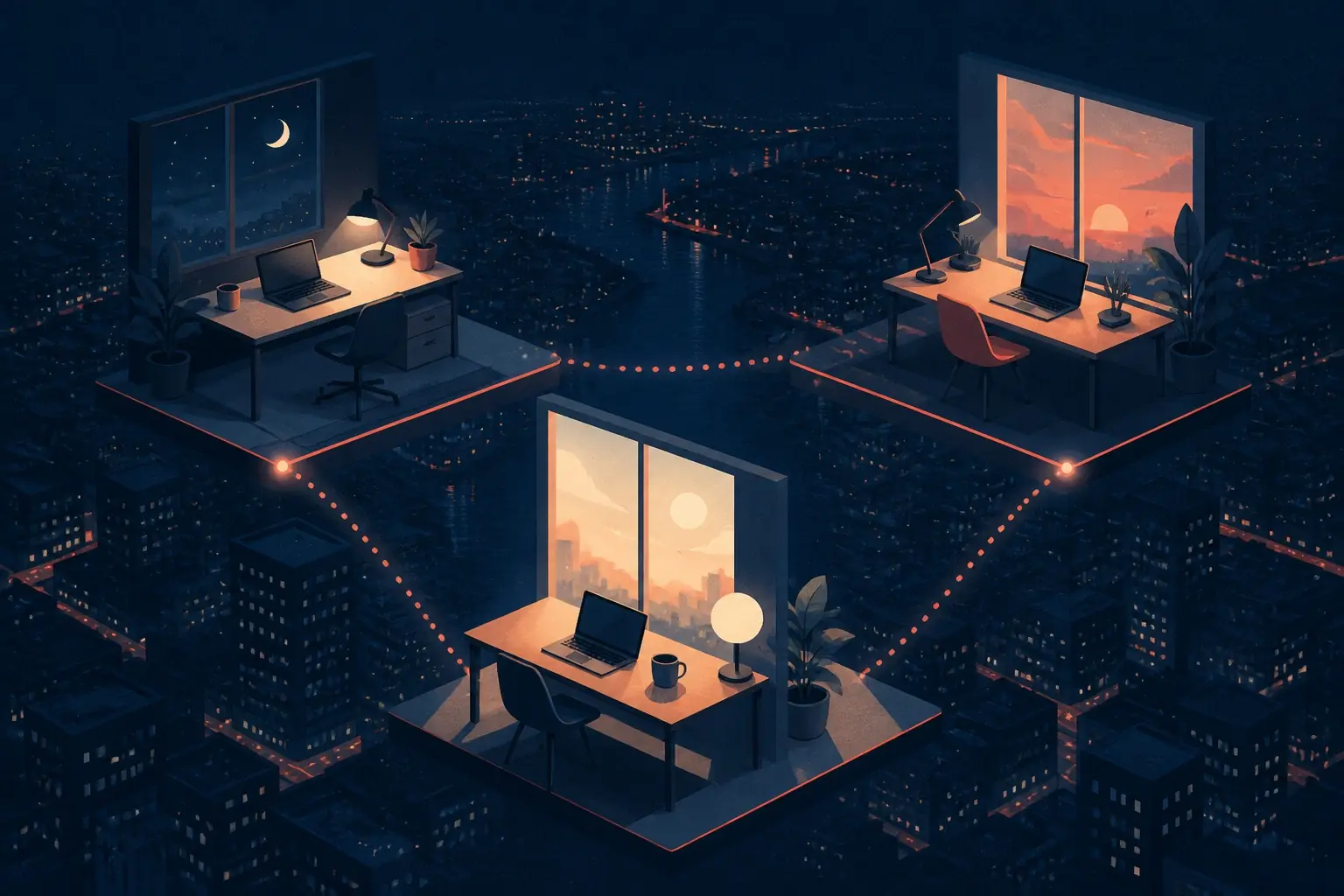
Reverse-engineer a look you liked
You saw an image with exactly the lighting and palette you want. The image to prompt generator turns it into wording you can apply to a completely different subject.
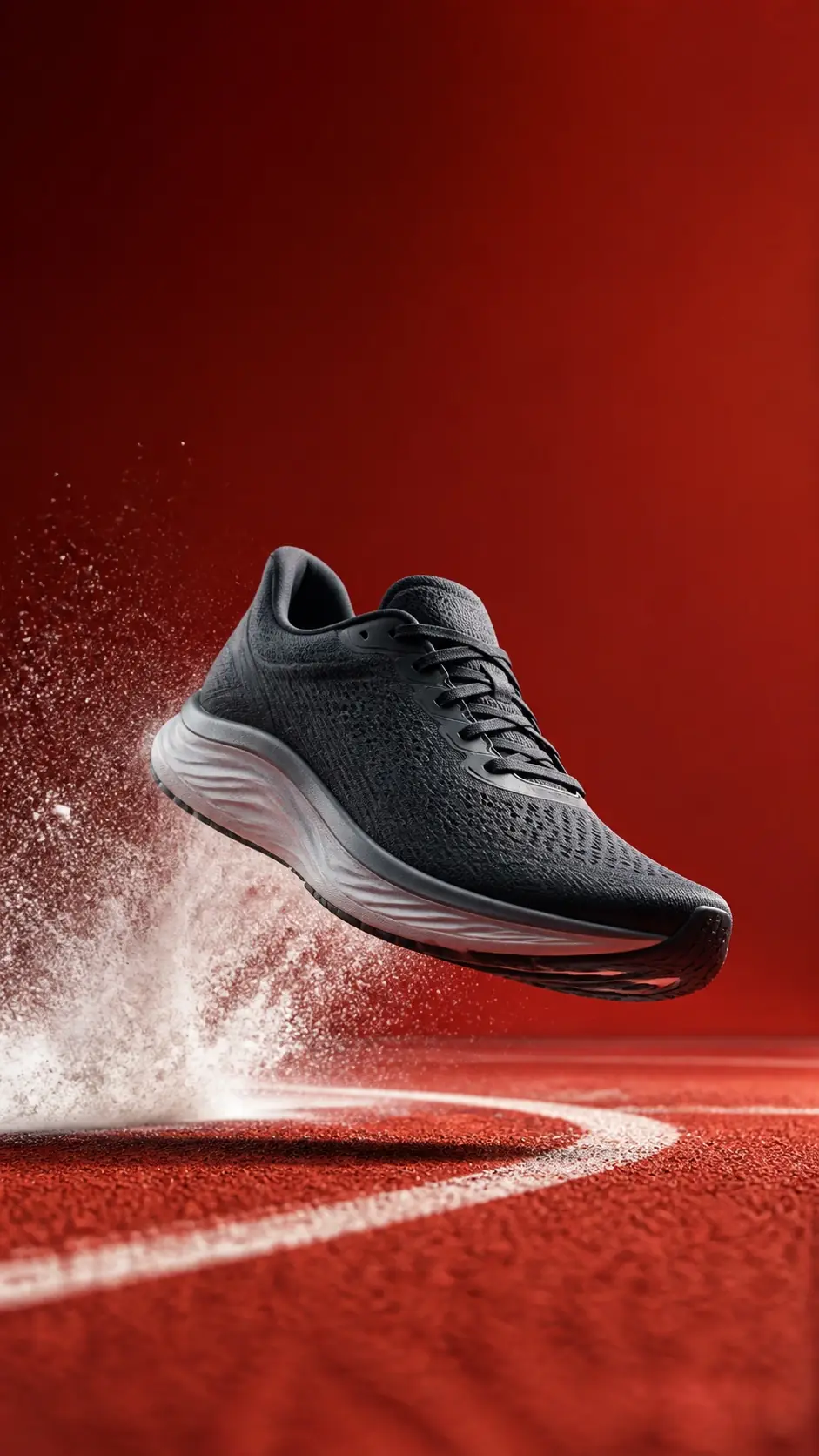
Recover a prompt you never saved
An output you kept but whose prompt is gone with the session. Upload the image and get a working prompt back instead of trying to remember what you typed.

Keep a series visually consistent
Read the prompt from the frame that worked, keep its style, lighting and composition lines, and swap only the subject for the next image in the set.

Learn how prompts are built
The breakdown shows which words carry the subject and which carry the lighting, composition and mood. Reading a few is a faster way to learn prompt structure than reading advice about it.
What to check before you rely on it
A prompt is a lossy description of a picture. These are the places that shows.
- Regenerating from the prompt gives you the same idea, not the same image.
- Text inside the picture is described, not transcribed — it will not come back spelled correctly.
- Faces, brands and places are described generically on purpose; the model is told not to guess identities.
- Very busy frames get a prompt about the whole frame. Crop first if you want one subject.
- The prompt is English, because that is what image models are trained on.
Related tools
AI Image Generator
Generate polished AI images from prompts and continue organizing outputs in the Ideart workspace.
Open toolImage to Image
Transform reference images into new styles, compositions, and production-ready visual variations.
Open toolText to Video
Turn written prompts into short AI videos with scene direction, motion, and cinematic pacing.
Open toolFrequently asked questions
How accurate is the image to prompt generator?
It reliably recovers subject, composition, lighting, colour and medium, which is what actually steers an image model. It does not recover exact text, faces or brands, and it is not a lossless encoding — regenerating from the prompt produces the same idea rather than the same picture.
Do I need an account?
Yes. Attaching media requires signing in, the same as every other Ideart tool, because the image is uploaded to your workspace before the agent reads it. Reading it does not spend credits.
What happens to the image I upload?
It is uploaded to your Ideart workspace as a chat attachment, exactly like an image you attach to any other tool, and the agent reads it from there. It stays with that conversation so you can reuse it in the next turn.
Which file formats and sizes work?
JPEG, PNG and WebP, attached in the composer. That is the same set every Ideart tool accepts for reference media.
Can I get the prompt in my own language?
The prompt is always returned in English. It is read by an image model rather than by you, and every major generator is trained predominantly on English captions, so an English prompt is simply a better prompt. The rest of the page is in your language.
How is this different from writing the prompt myself?
It is faster and more complete. People describe what they noticed; the generator describes what is in the frame, including the lighting direction and composition choices most people would leave implied. The breakdown then lets you change one axis without rewriting the paragraph.
Run the prompt you just extracted
Ask for a variation in the same conversation, or take the prompt to another tool.