
Search the AI prompt library
Find a starting prompt for a launch video, a product visual, or a social hook.
Ideart AI
Describe the idea in plain language — Ideart writes the AI prompt and generates the image or video.
Every example below is a real AI image prompt or AI video prompt shown with the result it produced. Open one, copy the prompt, and remix it with the agent above.
You do not need a perfect prompt. Describe the idea in plain language and the agent turns it into a production-ready AI prompt, then generates the image or video from it.
Find a starting prompt for a launch video, a product visual, or a social hook.
The agent proposes better angles, styles, structures, and audiences than a blank prompt box would.
The strongest direction becomes a complete AI image prompt or AI video prompt, ready to run.
Create hero visuals, launch copy, and a short video concept from the same creative thread.
Prompts, outputs, and decisions stay together, so the next variation starts where this one stopped.
Find a prompt, sharpen it with the agent, then generate the finished asset — and keep remixing from there.
Open the prompt library instead of a blank page: tens of thousands of AI image and video prompts, sorted by medium, category and model.
Rough intent becomes a specific AI prompt carrying the subject, style, framing, and detail a model needs.
One creative thread produces AI images and AI videos, with every prompt, reference and take kept beside them.
Each tool page opens with the agent already set up for that job, task-specific AI prompts, and finished examples. Pick the one that matches the work.
 AI Image GeneratorGenerate polished AI images from prompts and continue organizing outputs in the Ideart workspace.Text to VideoTurn written prompts into short AI videos with scene direction, motion, and cinematic pacing.
 Image to ImageTransform reference images into new styles, compositions, and production-ready visual variations.
Generate a new picture from a text prompt, or edit and restyle an image you already have.
Turn a text prompt into a finished image, then keep iterating on it in the same conversation.
Restyle, extend, or edit an existing picture while keeping its subject recognisable.
The full directory of image and video workflows published on Ideart.
Animate a still, write a clip from scratch, or restyle footage you already shot.
Describe a scene and generate a short clip from the text alone.
Upload a picture, describe the motion, and turn the still into a moving shot.
Restyle existing footage while keeping its timing and composition.
Reuse a reference image so the same character stays recognisable from one clip to the next.
Turn a rough brief into a finished shot, then generate the next one in the same conversation.
Ready-made effect presets that apply one look to any photo you upload.
Tens of thousands of prompts you can read, copy, and remix before you generate anything.
The whole library, sorted by medium, category, and the model each prompt was written for.
Prompts for product shots, portraits, illustration, and campaign visuals.
Prompts for motion, camera moves, character shots, and short-form scenes.
Model pages explain what each one is good at and collect the prompts written for it.
A video model for cinematic motion and character-driven short scenes.
Every image and video model available inside Ideart.
Use Ideart when one idea has to become a campaign: a key visual, the clips around it, and variations for every placement.
Turn product notes into landing copy, hero visuals, launch videos, and social posts.
Remix proven video prompts into new scenes, characters, hooks, and short-form ideas.
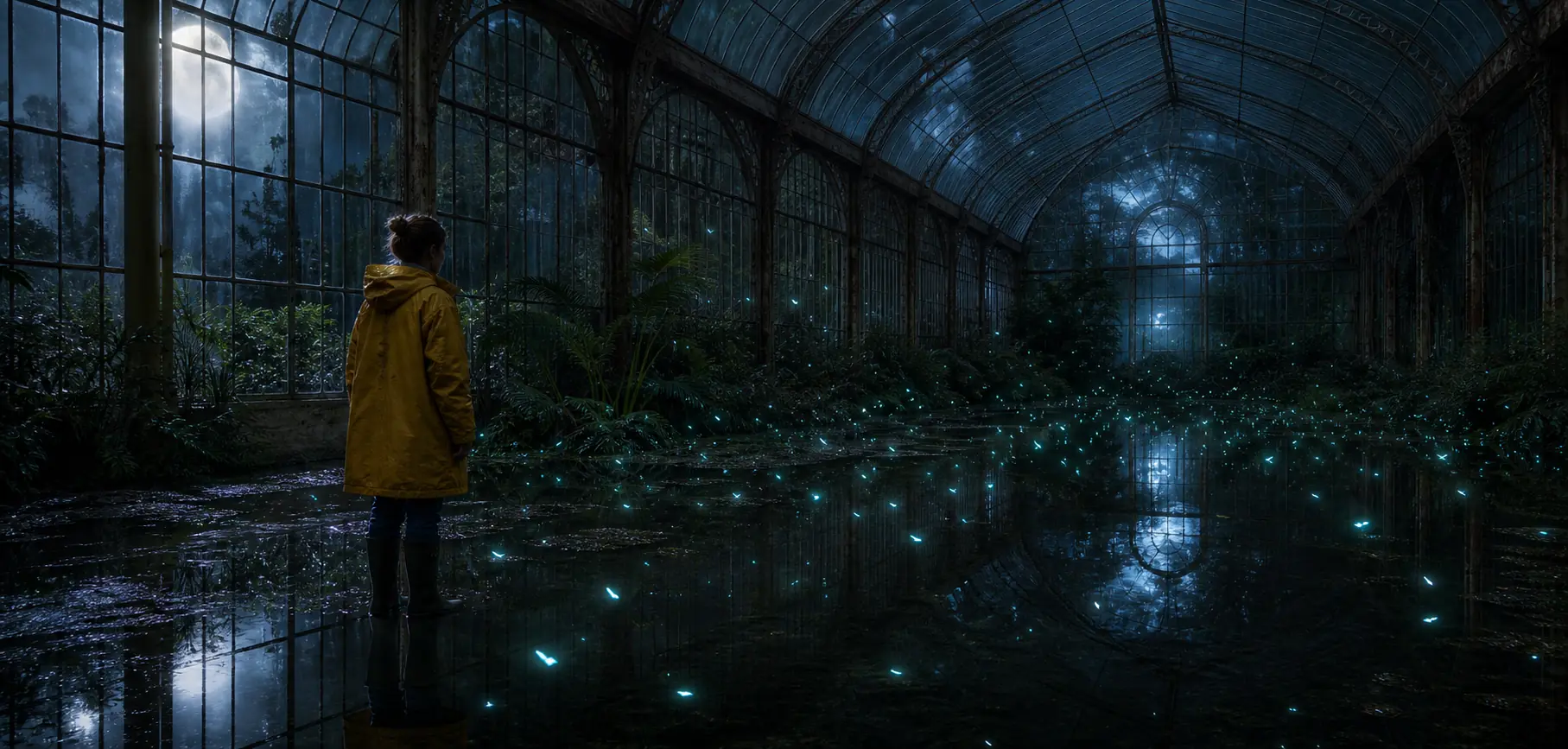
Explore style systems, campaign visuals, posters, product shots, and visual variations.
Generate campaign angles, ad concepts, launch copy, video scripts, and channel variations.
Turn lessons and notes into explainer visuals, illustrations, and short video scripts.
Move from client brief to concepts, prompts, visuals, and copy faster.
What to know before your first generation.
Browsing the AI prompt library is free, and every prompt page shows the result it produced before you generate anything of your own. Generating your own images and videos uses credits, and the pricing page lists what each plan includes.
No. Describe what you want in plain language and the agent turns it into a full AI image prompt or AI video prompt, with the subject, style, lighting, framing, and motion filled in. You can also open any prompt in the library, change a few words, and generate from that instead.
Open the image-to-video tool, upload the picture you want to animate, and describe the motion you are after. The agent writes the video prompt from your description and the reference image, then generates a short clip you can regenerate or adjust.
More than 26,000 prompts — around 20,000 for images and 6,000 for video — and almost every one is shown with the image or clip it produced. They are organised by medium, by category, and by the model each one was written for, so you can narrow down to the kind of result you want.
AI images and AI videos, plus the writing around them: prompts, shot descriptions, and campaign angles. Image and video generation are the core workflows, and the same conversation can carry one idea from a first reference through to the assets you publish.
Yes. Every example in the gallery and in the library shows the prompt behind it. Open one, send it to the agent, and change the subject, style, or brand details — the agent keeps what made the original work and rewrites the rest around your idea.
Uploads are used to run the generation you asked for and to keep your project assets together in your account. The privacy policy sets out what we collect, how it is used, and how to ask for it to be deleted.
Ideart runs one image model, GPT Image 2, and three video models: MiniMax H3, Seedance 2.5 and Seedance 2.0. Each model page lists what it is good at along with prompts written specifically for it, and the agent can also choose one for you based on the kind of output your prompt describes.
Tutorials on writing better AI image prompts and AI video prompts, plus creative workflow notes from the team.
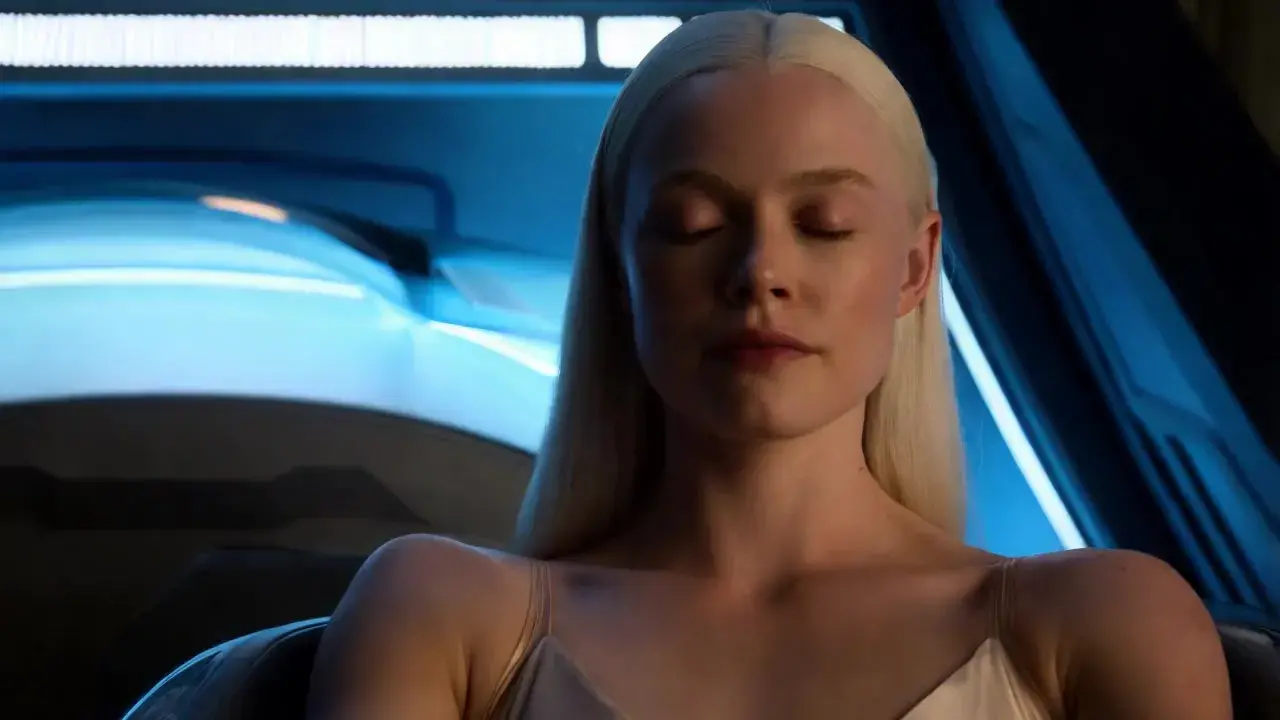
An AI video agent turns a plain-language brief into a finished clip: what it decides for you, what it will not do, and how to brief one so take one lands.
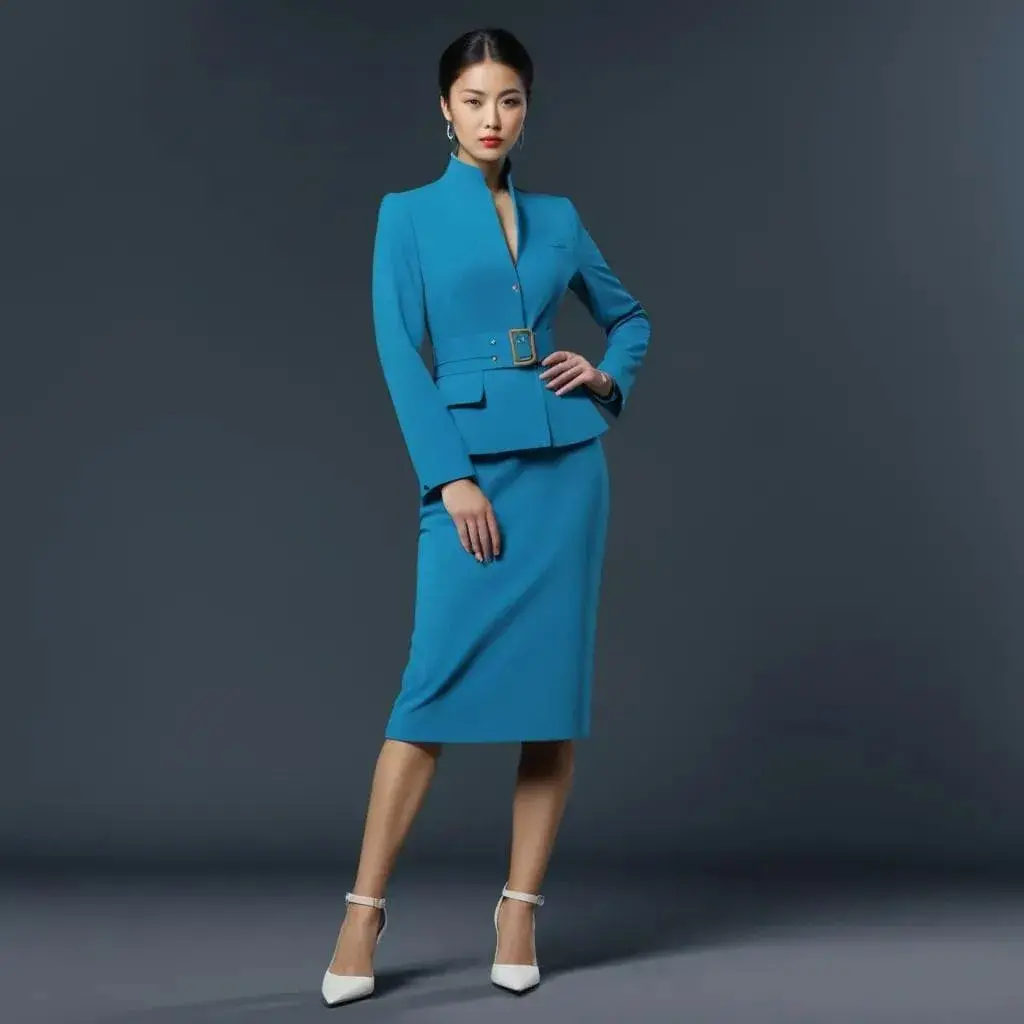
A five-part structure for writing an image to video prompt that keeps the subject stable: what to lock, one action, one camera move, and how to iterate.
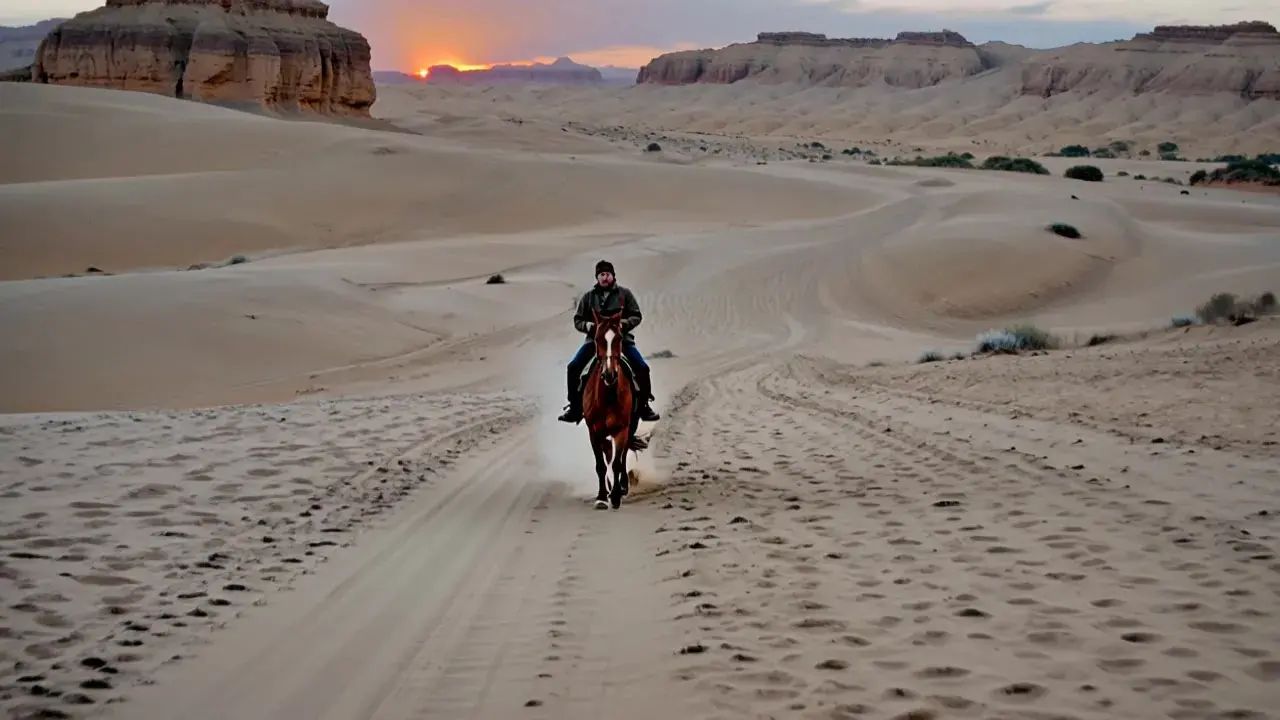
Text to video vs image to video: how each handles control, consistency and cost, when to pick which, and the workflow that uses both in the right order.
Pick a prompt from the library or describe your own idea. Ideart finds the reference, writes the prompt, and generates the asset.