
An ultra-realistic high-fashion studio photoshoot
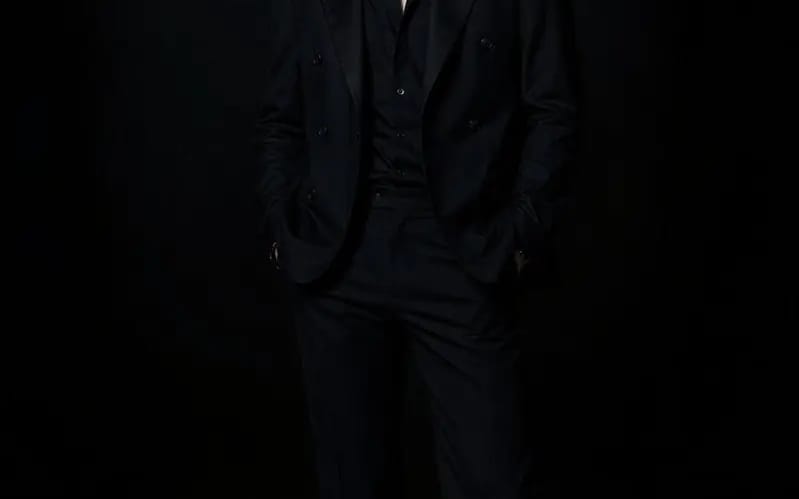
An ultra-realistic high-fashion studio photoshoot of a handsome young Korean man in his early 20s, confidently posing with a bold, editorial presence. He has flawless fair skin, sharp facial features, defined jawline, expressive dark...
プロンプト
An ultra-realistic high-fashion studio photoshoot of a handsome young Korean man in his early 20s, confidently posing with a bold, editorial presence. He has flawless fair skin, sharp facial features, defined jawline, expressive dark brown eyes, neatly styled black hair with a modern textured look, and a calm yet intense expression. He is wearing a tailored black double-breasted suit with a partially unbuttoned black silk shirt underneath, complemented by polished black leather dress shoes and a subtle silver chain, creating a sophisticated, luxurious, and effortlessly attractive look.
He stands in confident fashion-editorial poses with relaxed body language, direct eye contact, and subtle attitude, exuding charisma and elegance. The studio is almost entirely dark, illuminated only by a single soft spotlight from above and gentle rim lighting outlining his silhouette. Minimal lighting, deep shadows, dramatic contrast, black seamless backdrop, no props, no distractions—100% focus on the model.
Luxury fashion campaign aesthetic, cinematic atmosphere, impeccable tailoring, realistic fabric texture, premium editorial styling, Vogue-quality photography. Shot on a full-frame DSLR with an 85mm f/1.4 portrait lens, shallow depth of field, ultra-sharp facial details, natural skin texture, photorealistic lighting, HDR, 8K resolution, masterpiece quality, dramatic composition, timeless luxury fashion editorial.
このプロンプトの使い方
- 1プロンプトをそのままコピーし、好みのモデルまたは Ideart プロジェクトに貼り付けます。
- 2商品、被写体、対象者、スタイルの詳細を自分のコンテキストに置き換えます。
- 3まず基準結果を生成し、最も強い方向性をキャンペーン、画像セット、動画コンセプトへリミックスします。
このプロンプトから作成
画像 プロンプトを完成したクリエイティブプロジェクトに変換します。
プロンプトを保存し、参照画像やメモを追加して、Ideart に同じクリエイティブスレッドから次の制作ステップを形にさせます。