
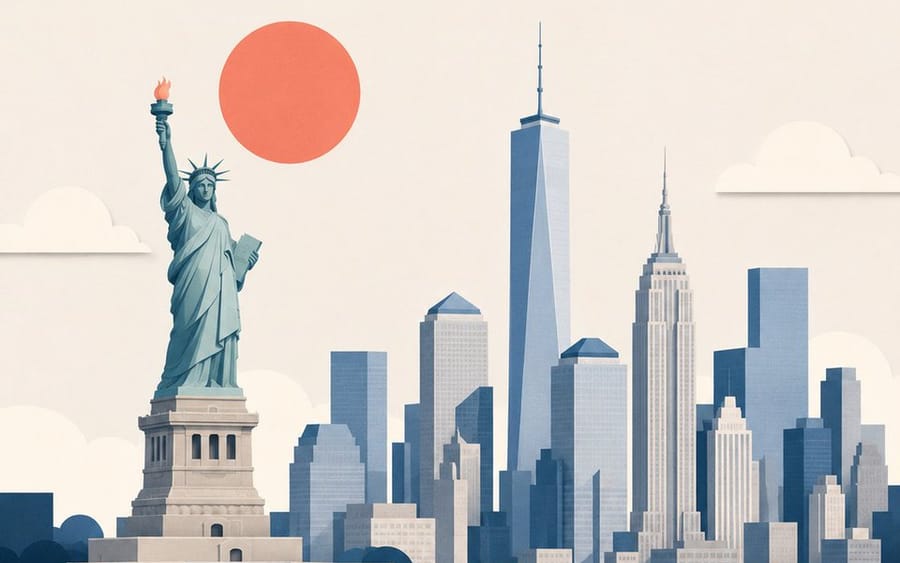
Minimalist Layered Travel Poster Illustration
A clean, premium editorial travel illustration prompt using a minimal layered cutout style, ideal for modern magazine covers and museum shop prints.
プロンプト
Create a premium editorial travel illustration of {argument name="destination" default="DESTINATION"}, {argument name="country" default="COUNTRY/REGION"} using a minimal layered cutout illustration style. IMPORTANT: This must NOT look like a busy handmade paper craft artwork. Instead, it should feel like a premium Scandinavian editorial poster, a modern travel magazine cover, a sophisticated museum-shop print, and an elegant minimalist paper collage design. STYLE: minimal layered cutout illustration, large clean paper shapes, editorial paper collage aesthetic, bold geometric masses, simplified layered depth, soft subtle shadows, clean cut edges with slightly rounded corners, ultra simplified shape language. COLOR & LIGHTING: limited color palette (4–6 colors) featuring {argument name="primary color" default="PRIMARY COLOR"}, [SECONDARY COLOR], crisp white, soft slate blue, and pale grey, vibrant but restrained tones. MOOD: calm, modern, refined, premium, slightly whimsical, mature high-end travel branding aesthetic. TYPOGRAPHY: minimal elegant sans-serif typography with the text "[DESTINATION]", clean spacing and alignment, suitable size. ASPECT RATIO: 4:5 vertical poster format.このプロンプトの使い方
- 1プロンプトをそのままコピーし、好みのモデルまたは Ideart プロジェクトに貼り付けます。
- 2商品、被写体、対象者、スタイルの詳細を自分のコンテキストに置き換えます。
- 3まず基準結果を生成し、最も強い方向性をキャンペーン、画像セット、動画コンセプトへリミックスします。
このプロンプトから作成
画像 プロンプトを完成したクリエイティブプロジェクトに変換します。
プロンプトを保存し、参照画像やメモを追加して、Ideart に同じクリエイティブスレッドから次の制作ステップを形にさせます。