
ImageAI
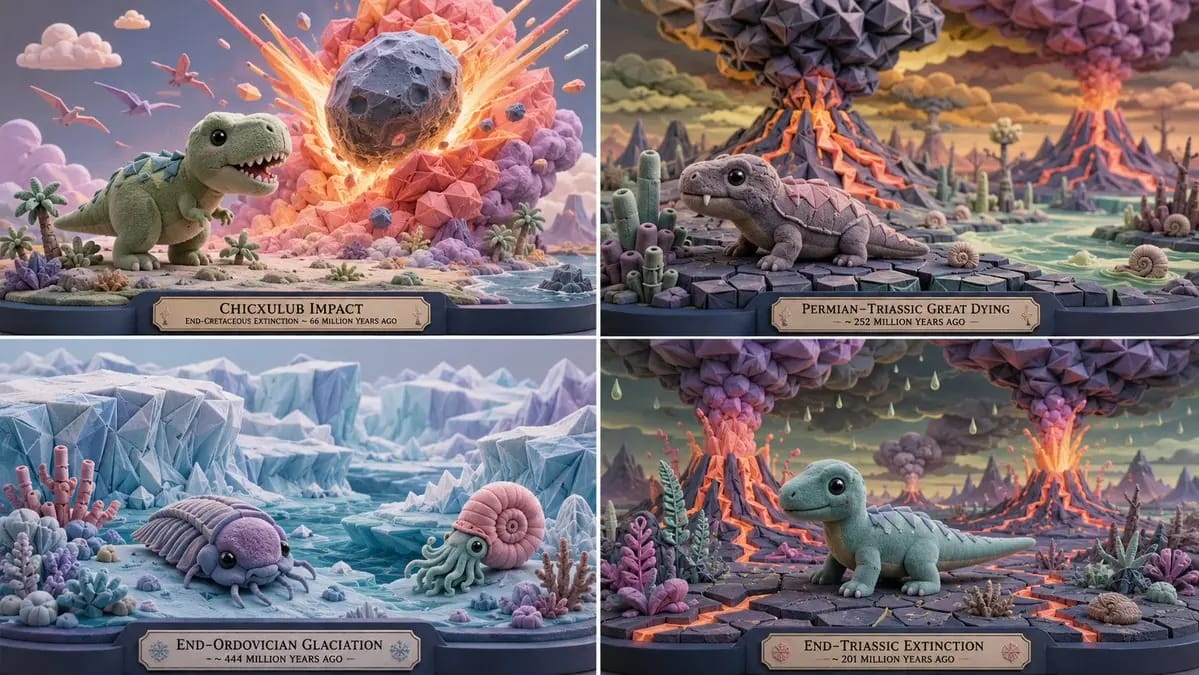
2x2 grid, 16:9, do this for 4 extinction level events
2x2 grid, 16:9, do this for 4 extinction level events: A = { subject silhouette: simplified, cute, oversized head, readable core mass } B = { flocked soft masses: rounded domes, capsules, blobs, with velvety micro-texture } C = {...
Prompt
2x2 grid, 16:9, do this for 4 extinction level events: A = { subject silhouette: simplified, cute, oversized head, readable core mass } B = { flocked soft masses: rounded domes, capsules, blobs, with velvety micro-texture } C = { origami tessellation: sharp folded modules applied to selected zones (wings, armor, hair, leaves, architecture) } SCULPTURE = (A ∩ proportion_lock) ∪ (B ∩ material_flocked) ∪ (C ∩ detail_overlay) Where: - A is derived from [Subject] but remapped: head volume increased, limbs simplified, overall silhouette remains iconic. - B covers all primary surfaces; flocked texture applied where curvature is low. - C is applied as a Boolean AND with the "origami zones" mask; only designated high-interest areas receive folded geometry. - Palette: sky blue, mint, lemon, coral, bubblegum, lavender, ivory, charcoal-blue. No gritty realism. - Output: 1 image, gallery‑lit, 8K.How to use this prompt
- 1Copy the prompt exactly, then paste it into your preferred model or Ideart project.
- 2Replace product, subject, audience, and style details with your own context.
- 3Generate one baseline result first, then remix the strongest direction into a campaign, image set, or video concept.
Explore nearby prompt paths
Model
Build from this prompt
Turn a image prompt into a finished creative project.
Save the prompt, add reference images or notes, and let Ideart shape the next production step from the same creative thread.