
ImageAI
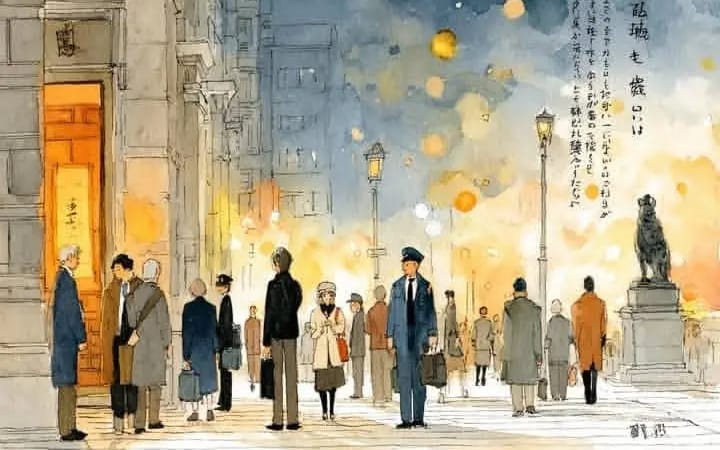
Create a cinematic watercolor illustration of Location
Create a cinematic watercolor illustration of [Location Setting] during [Time Of Day Weather], featuring [Main Architectural Elements Environment Details]. Use a dramatic color palette with [Dominant Colors] and [Lighting Style] to...
Prompt
Create a cinematic watercolor illustration of [Location Setting] during [Time Of Day Weather], featuring [Main Architectural Elements Environment Details]. Use a dramatic color palette with [Dominant Colors] and [Lighting Style] to create a [Mood Atmosphere]. Include [Main Subjects Characters] wearing [Clothing Style Era], interacting with [Objects Or Street Details]. Add distinctive elements such as [Unique Features Symbols Text Cultural Details]. Style: soft watercolor washes, loose expressive brushwork, fine ink line art, delicate textures, atmospheric lighting, reflective surfaces, and a poetic cinematic composition.
How to use this prompt
- 1Copy the prompt exactly, then paste it into your preferred model or Ideart project.
- 2Replace product, subject, audience, and style details with your own context.
- 3Generate one baseline result first, then remix the strongest direction into a campaign, image set, or video concept.
Explore nearby prompt paths
Model
Build from this prompt
Turn a image prompt into a finished creative project.
Save the prompt, add reference images or notes, and let Ideart shape the next production step from the same creative thread.