
ImageAI
Create a vertical close-up macro photograph of a digital
Create a vertical close-up macro photograph of a digital tablet lying on a clean white surface, with the screen transformed into a highly detailed 3D miniature diorama with a shallow depth of field and tilt-shift effect. Feature a tiny...
Prompt
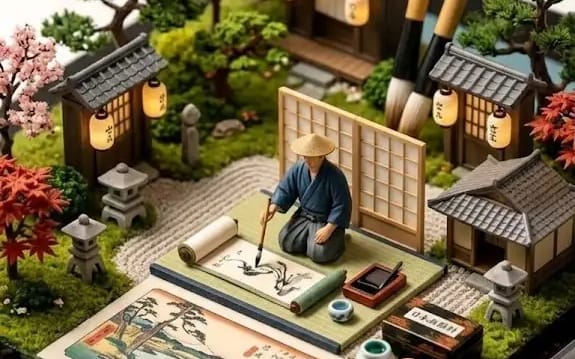
Create a vertical close-up macro photograph of a digital tablet lying on a clean white surface, with the screen transformed into a highly detailed 3D miniature diorama with a shallow depth of field and tilt-shift effect. Feature a tiny Monument Valley-inspired red sandstone mesa, a wooden sign reading “MONUMENT VALLEY NAVAJO TRIBAL PARK,” miniature park rangers, tourists, hikers, a couple on a paper map, and a photographer on a small gift shop. Add a wooden gift shop, vintage brown pickup truck, hot dog cart, USGS topographic map, baseball cards, Zippo-style lighters, Golden acrylic paint tubes, palette knife, framed countryside artwork, and a wooden holder with paintbrushes and pencils. Make it realistic, cinematic, ultra-detailed, with lifelike miniature textures and handcrafted diorama aesthetics.
How to use this prompt
- 1Copy the prompt exactly, then paste it into your preferred model or Ideart project.
- 2Replace product, subject, audience, and style details with your own context.
- 3Generate one baseline result first, then remix the strongest direction into a campaign, image set, or video concept.
Explore nearby prompt paths
Model
Build from this prompt
Turn a image prompt into a finished creative project.
Save the prompt, add reference images or notes, and let Ideart shape the next production step from the same creative thread.