
ImageGPT Image 2
Scribbly MS Paint Transformation
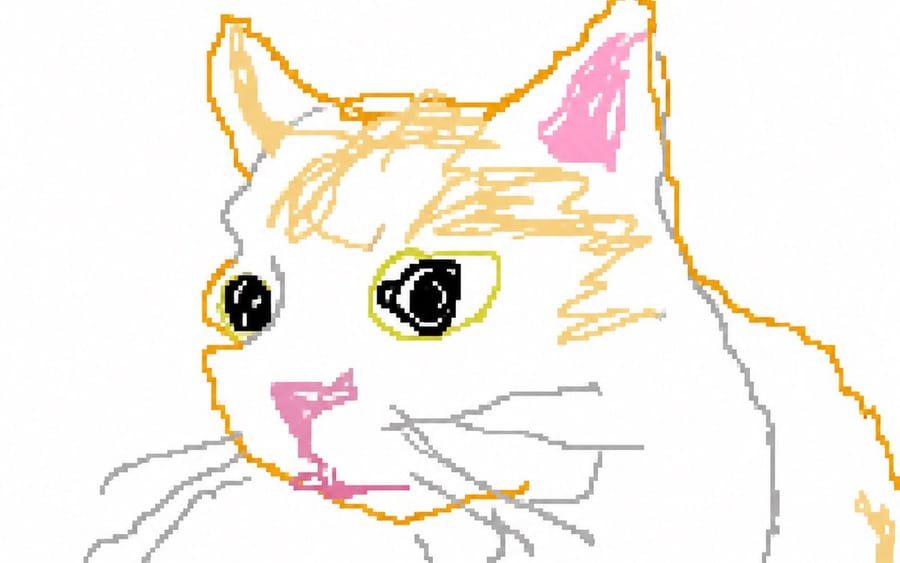
A viral prompt for transforming an existing image into a low-quality, clumsy MS Paint-style drawing.
Prompt
Redraw the attached image in the {argument name="style" default="most clumsy, scribbly, and utterly pathetic way possible"}. Use a white background, and make it look like it was drawn in MS Paint with a mouse. It should be vaguely similar but also not really, kind of matching but also off in a confusing, awkward way, with that {argument name="quality" default="low-quality pixel-by-pixel feel"} that really emphasizes how ridiculously bad it is. Actually, you know what, whatever, just draw it however you want.How to use this prompt
- 1Copy the prompt exactly, then paste it into your preferred model or Ideart project.
- 2Replace product, subject, audience, and style details with your own context.
- 3Generate one baseline result first, then remix the strongest direction into a campaign, image set, or video concept.
Explore nearby prompt paths
Model
Build from this prompt
Turn a image prompt into a finished creative project.
Save the prompt, add reference images or notes, and let Ideart shape the next production step from the same creative thread.