
ImageGPT Image
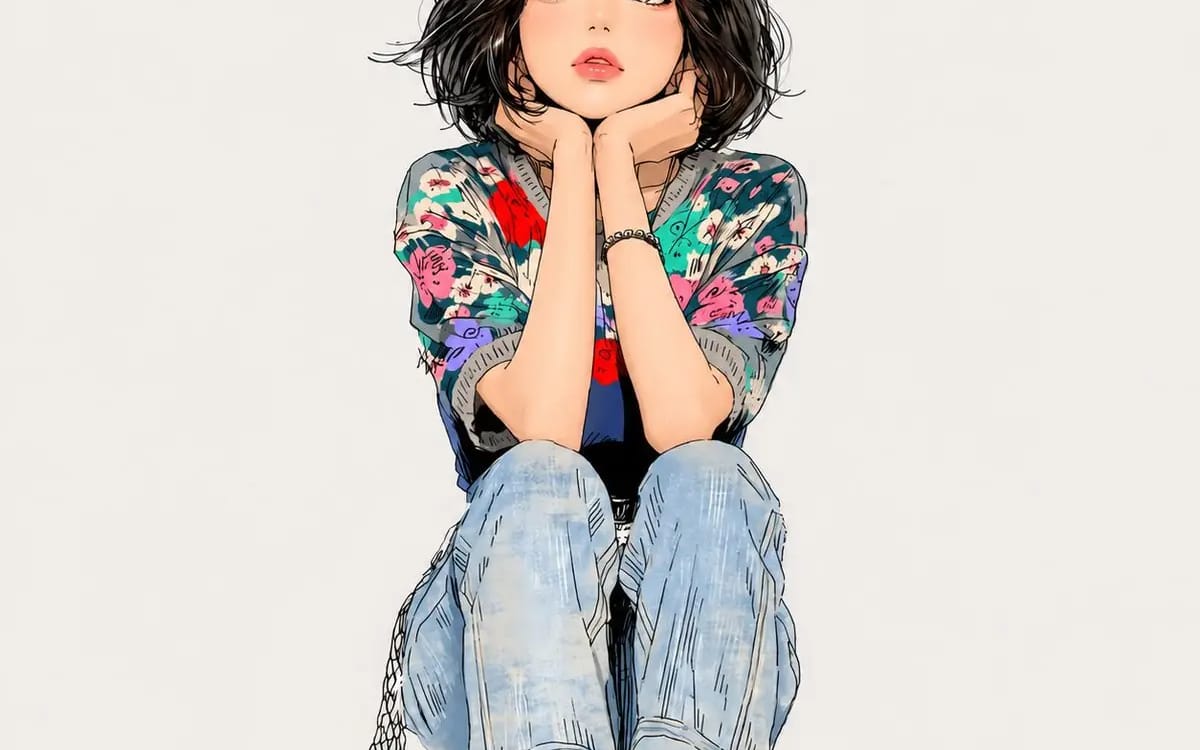
Create a clean, minimalist anime-style illustration
{ "SUBJECT": "[Subject]", "HAIRSTYLE": "[Hairstyle]", "POSE": "[Pose]", "prompt": "Create a clean, minimalist anime-style illustration of [Subject] in a soft, hand-drawn style. Preserve delicate facial features, large expressive eyes,...
Prompt
{
  "SUBJECT": "[Subject]",
  "HAIRSTYLE": "[Hairstyle]",
  "POSE": "[Pose]",

  "prompt": "Create a clean, minimalist anime-style illustration of [Subject] in a soft, hand-drawn style. Preserve delicate facial features, large expressive eyes, subtle blush tones, soft lips, and detailed hair strands with fine sketch-like line work. The character should be positioned in the center of the composition with a calm and natural pose: [Pose]. Hairstyle: [Hairstyle].\n\nUse a light, nearly white background with plenty of negative space and faint watercolor textures. Apply a combination of ink outlines, pastel shading, and soft highlights while maintaining a polished, high-quality illustration style. Add realistic clothing folds, subtle skin shading, and fine details without making the image overly complex.\n\nStyle references: modern webtoon illustration, Japanese anime-inspired artwork, watercolor textures, elegant line art, soft cinematic lighting, clean composition, highly detailed face, natural colors, minimal background, premium illustration quality.\n\nNegative prompt: text, watermark, logo, signature, extra limbs, distorted anatomy, low resolution, blurry details, excessive saturation, cluttered background, cropped body, unrealistic proportions.",

  "aspect_ratio": "1:1"
}How to use this prompt
- 1Copy the prompt exactly, then paste it into your preferred model or Ideart project.
- 2Replace product, subject, audience, and style details with your own context.
- 3Generate one baseline result first, then remix the strongest direction into a campaign, image set, or video concept.
Explore nearby prompt paths
Model
Build from this prompt
Turn a image prompt into a finished creative project.
Save the prompt, add reference images or notes, and let Ideart shape the next production step from the same creative thread.