
ImageNano Banana Pro
Workflow for Style Transfer and Storyboard Generation
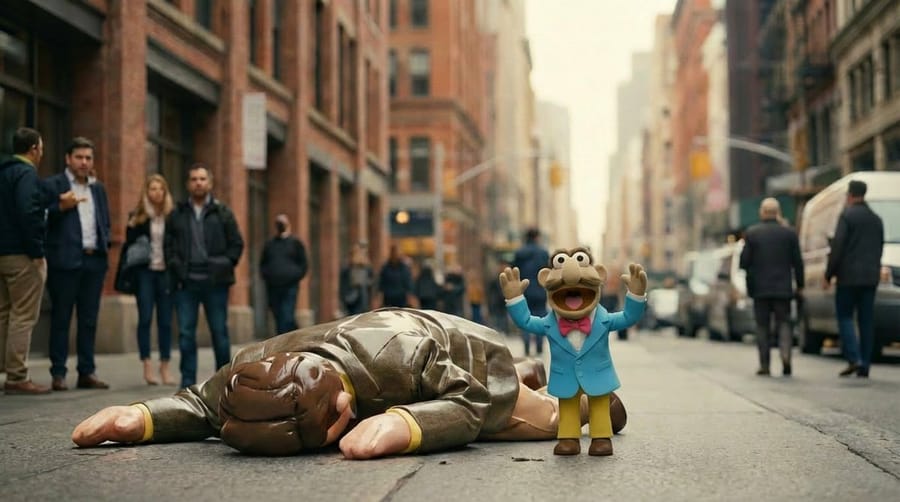
This is not a single prompt but a description of a multi-step workflow using Nano Banana Pro for style transfer and storyboard creation, requiring both a character image and a reference image for the desired style ('inflated' character).
Prompt
realistic image of my character + reference image of an "inflated" character
How to use this prompt
- 1Copy the prompt exactly, then paste it into your preferred model or Ideart project.
- 2Replace product, subject, audience, and style details with your own context.
- 3Generate one baseline result first, then remix the strongest direction into a campaign, image set, or video concept.
Explore nearby prompt paths
Model
Categories
Build from this prompt
Turn a image prompt into a finished creative project.
Save the prompt, add reference images or notes, and let Ideart shape the next production step from the same creative thread.