
VideoGrok Imagine
Identity Locked Image to Video
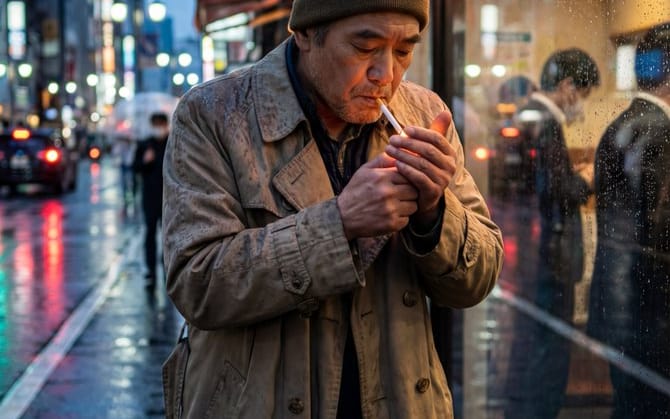
A technical instruction for Grok Imagine to maintain absolute facial identity and prevent morphing during video generation from a reference image.
Prompt
Image-to-Video: Use the reference image as primary identity frame. Lock the facial identity across the entire sequence with absolute priority. Face identity priority over motion. No morphing, no face drift, no reinterpretation whatsoever.
How to use this prompt
- 1Copy the prompt exactly, then paste it into your preferred model or Ideart project.
- 2Replace product, subject, audience, and style details with your own context.
- 3Generate one baseline result first, then remix the strongest direction into a campaign, image set, or video concept.
Build from this prompt
Turn a video prompt into a finished creative project.
Save the prompt, add reference images or notes, and let Ideart shape the next production step from the same creative thread.