
Image transformation workflow · Live
AI Image to Image Generator
Use an existing image as reference and generate alternate versions while preserving the parts that matter: subject, mood, composition, or product identity.
Transform a reference image
Upload a reference image and describe the visual change you want.
Quick start
Reference image, edit prompt, visual variation
The source images, the text describing the change, and the aspect ratio, resolution and quality you pick before generating all stay on this page.
One reference image, at least
This tool starts from an image: attach at least one and up to sixteen, then describe the change you want in text.
Aspect ratio you choose
Pick the frame before generating — square for social, wide for banners, tall for stories — instead of cropping a square afterwards.
A downloadable image
Each result is a full-resolution file you can download, along with the prompt that produced it.
How it works
Use the tool as a repeatable creative workflow: choose a strong input, describe the change clearly, then review and iterate.
Upload a useful reference
Start from a product shot, portrait, sketch, character, or campaign image that already contains the structure you want to preserve.
Specify what should change
Tell Ideart whether you want a new style, background, lighting setup, pose, composition, or production treatment.
Lock the important details
When identity, product shape, or brand colors matter, include those constraints in the prompt and review each result before expanding the set.
Image to Image examples
Prompts and results you can open, read, and reuse as a starting point.
What Makes Our AI Image-to-Image Stand Out?
Experience the most advanced image transformation technology, helping you unlock unlimited creative possibilities with professional results.
Free to Use
Start transforming images for free! No credit card required. Access basic features and upgrade when you need more.
Intuitive Interface
Simple drag-and-drop interface makes image transformation effortless. No technical skills or software installation needed.
Sixteen References at Once
Attach up to sixteen source images in a single prompt so a subject, a product or a look carries across the transformation. There is no preset style list — the style is what you describe.
High Resolution
Maintain image quality with up to 4K resolution output. Perfect for printing, professional use, and detailed work.
Resolution and Quality You Choose
Set 1K, 2K or 4K output and low, medium or high quality before you generate. The credit cost of the combination is shown before you send.
Fast Processing
Get transformed images in seconds, not minutes. Our optimized AI ensures quick turnaround without compromising quality.
Say what must survive
Say what must stay the same before describing the new style.
References for structure
Use references for composition and prompts for creative direction.
Small batches for consistency
Generate small batches when you need brand or product consistency.
One art direction per prompt
Avoid mixing too many unrelated art styles in one prompt.
Multi-Scenario Applications of Image-to-Image Converter
With our free online image-to-image AI generator, you can easily create new variations from original images. Whether you're a creator or casual user, efficiently create and enhance in various scenarios like style transfer, image restoration, and material creation!
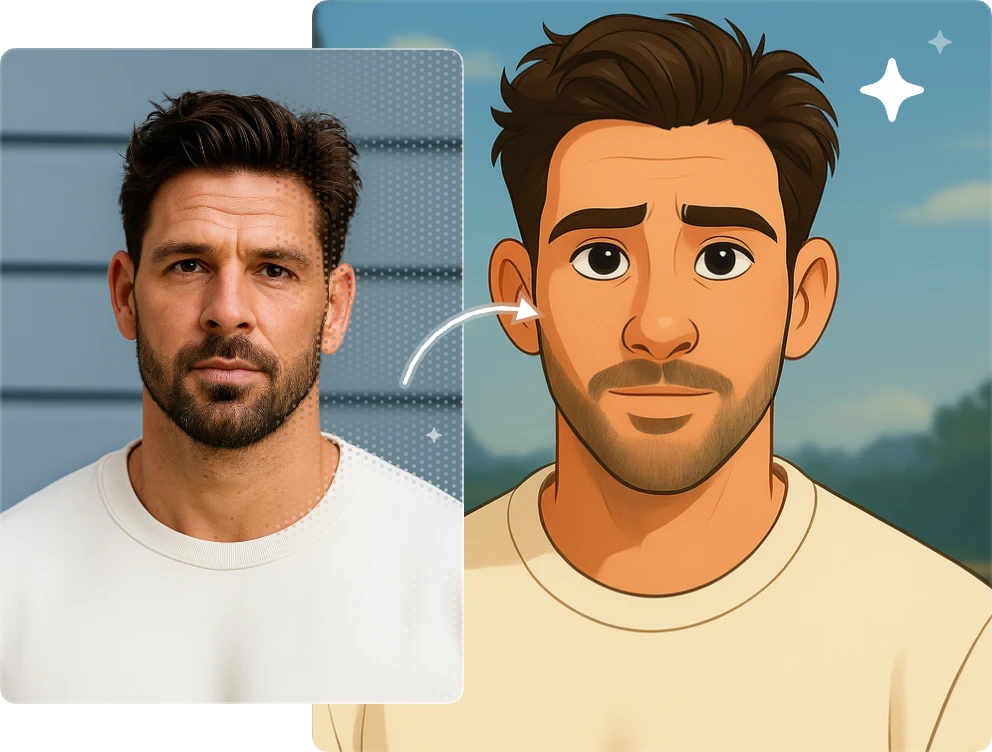
Transform Your Images into Any Artistic Style Using AI Technology!
Turn any photo into a masterpiece instantly! Without artistic training or design expertise, simply upload your image and specify styles such as anime, Studio Ghibli, oil painting, watercolor, or cyberpunk aesthetics. Watch as AI creates stunning artistic interpretations in seconds!
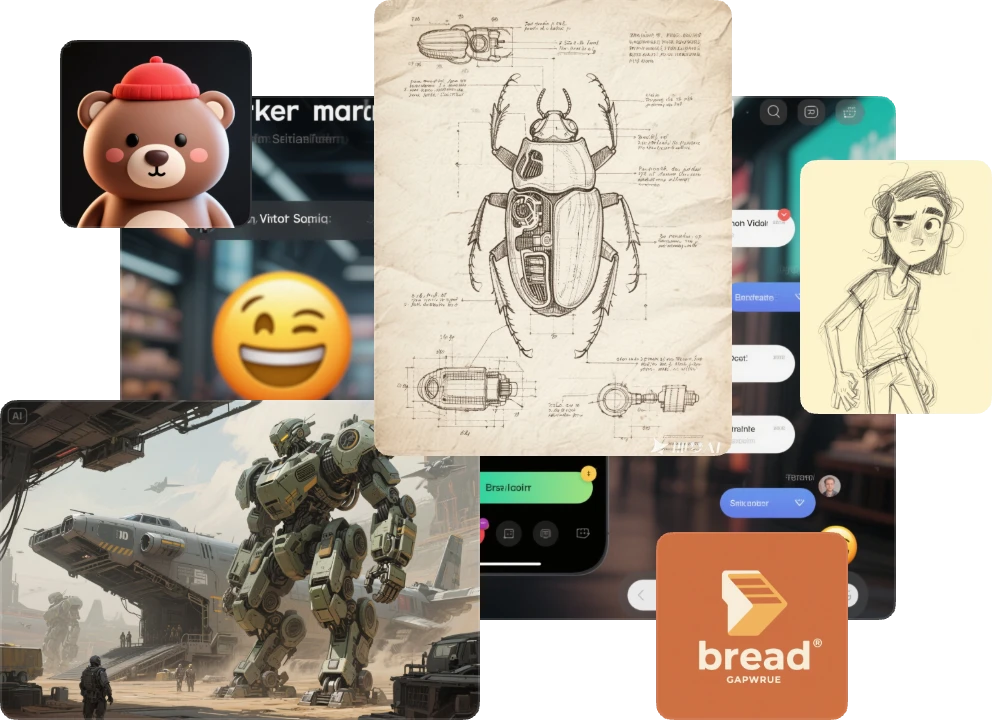
Break Through Creative Blocks Using Reference Images and AI Power
Hit a creative wall? Our AI image-to-image generator transforms your rough sketches or reference materials into diverse creative concepts instantly! Perfect for UI interfaces, brand identity, illustration work, or conceptual designs - this tool becomes your creative catalyst for breakthrough ideas.
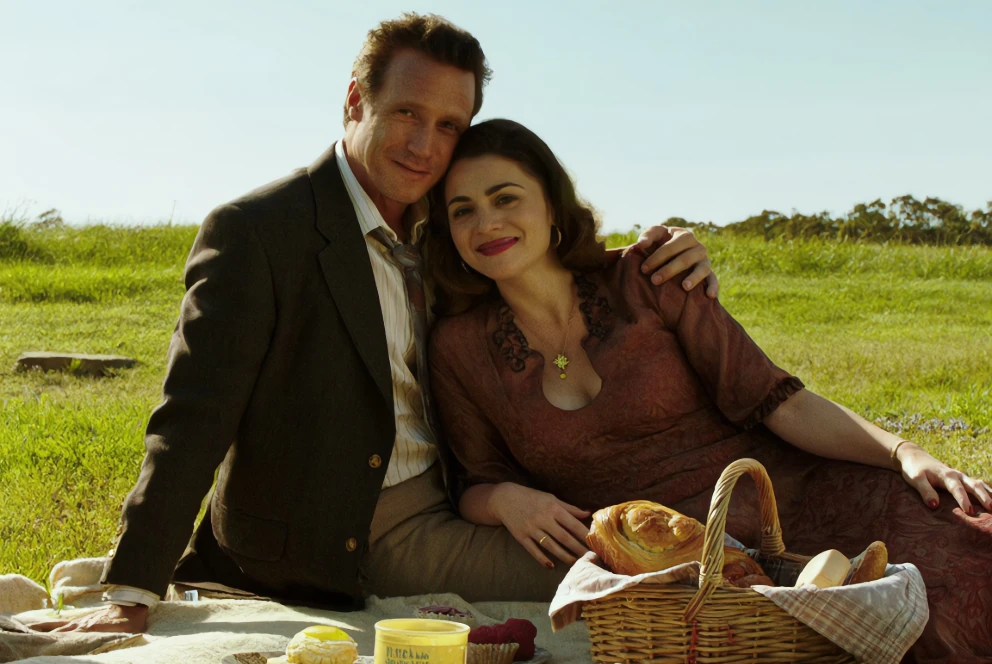
Professional Image Restoration and Enhancement Made Simple for Everyone
Photo editing expertise not required! Our AI handles complex image challenges with ease - from boosting resolution and perfecting color balance to restoring damaged areas and enlarging low-quality images. Simply upload your photos and witness professional-grade improvements through our streamlined process!
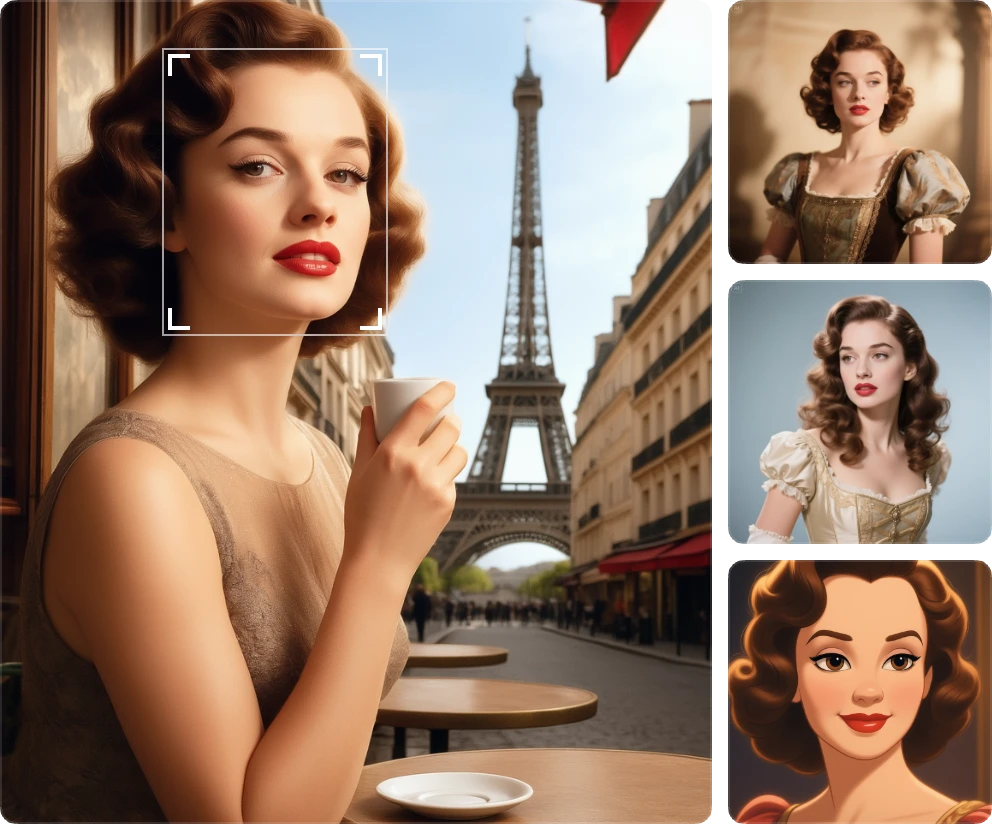
Keep Your Characters Consistent Across Different Styles and Scenes
Looking to explore new visual possibilities for your characters? Our image-to-image AI generator lets you seamlessly modify outfits, facial expressions, hairstyles, and environments while maintaining core character identity! Ideal for creative projects and visual storytelling, enabling endless variations of expressions and dynamic poses.
Quality checklist
Generation is probabilistic. Treat the first result as material to review, not a finished asset.
- The reference image shows the subject clearly.
- The prompt separates preserved details from requested changes.
- The output keeps product proportions, faces, or character features where needed.
- The result is usable for the intended format, such as thumbnail, ad, or concept art.
Related tools
AI Image Generator
Generate polished AI images from prompts and continue organizing outputs in the Ideart workspace.
Open toolImage to Video
Turn static images into cinematic AI videos with motion, camera direction, and optional prompts.
Open toolVideo Creator
Create short AI videos from prompts, images, and creative direction in an Ideart workflow.
Open toolFrequently Asked Questions About Our AI Image-to-Image
What is AI image-to-image transformation?
AI image-to-image transformation uses advanced neural networks to convert one image into another with different styles, effects, or enhancements while preserving the core content and structure.
What image formats are supported?
JPG, PNG and WebP uploads are accepted, up to 100 MB per file and ten files per upload. The output resolution is yours to pick — 1K, 2K or 4K — and does not depend on the size of what you upload.
Can I control the transformation intensity?
The controls on this page are aspect ratio, output resolution (1K, 2K or 4K) and quality (low, medium or high). There is no strength slider: how far the transformation goes is directed in the prompt — say what must stay the same and what should change.
How long does transformation take?
Images are generated one at a time and appear in the workbench as soon as they are ready. How long that takes varies with the provider's queue and with the resolution and quality you picked.
Can I use transformed images commercially?
Absolutely! All images transformed with our service come with full commercial usage rights, perfect for business and professional projects.
What makes your tool different from others?
GPT Image 2 for both generation and editing, up to sixteen reference images in one prompt, output at 1K, 2K or 4K in low, medium or high quality, and 100 free credits every day to try it before you subscribe.
Is there a limit to how many images I can transform?
There is no fixed image count — every render is charged from your credit balance. A 1K low-quality image costs 3 credits and a 4K high-quality one 321, so the 100 free credits every account gets each day cover a run of drafts. Plans add 1,000 to 5,000 credits a month.
Ready to Transform Your Images with AI?
Join thousands of creators using our AI to reimagine their visual content