
Script-aware scene planning
The workflow turns copy into a shot-by-shot plan, so the first output is structured around hook, problem, proof, offer, and CTA instead of a generic video prompt.
AI video advertising tool
Paste a script and plan the hook, scenes, captions, references, and CTA in one guided workflow.
A good video ad is more than generated footage. This page standardizes the path from raw script to campaign-ready creative: clarify the offer, choose the opening hook, break the message into scenes, and keep every generated asset tied to the same project thread.
The workflow turns copy into a shot-by-shot plan, so the first output is structured around hook, problem, proof, offer, and CTA instead of a generic video prompt.
Attach product images, brand examples, or URLs so the generated direction can stay close to the offer and avoid losing important product context.
Every prompt, reference, and result stays inside the same project, making it easier to revise hooks, swap scenes, or branch a stronger variation.
The page structure includes indexable copy, FAQ content, related links, and update metadata so new tool pages can scale without hand-building every section.
A skincare offer becomes a fast opening problem, a clean product reveal, two proof moments, and a simple final offer.
Turn this 30-second skincare script into a vertical ad with a calm but direct product demo style.
Scene beats, caption prompts, product close-up notes, and a CTA that can be reviewed before media generation.
A raw testimonial is converted into a creator brief with natural opening lines, visual proof moments, and safe claim boundaries.
Rewrite this testimonial into a UGC-style ad plan with first-person pacing and on-screen caption ideas.
A creator-ready outline that separates what the customer said from what the ad can visually demonstrate.
The page is designed to make the creative reasoning visible before generation, so teams can approve structure, claims, and references early.
Offer details, proof points, and required wording remain part of the project context instead of disappearing into a one-line prompt.
Product images, brand examples, and URLs can be attached to the same workflow that produces the scene plan.
Follow-up prompts can revise the hook, CTA, or scene order without rebuilding the campaign context from scratch.
Media guidance is split into planning layers so one storyboard can carry hook, scene, caption, and review direction.
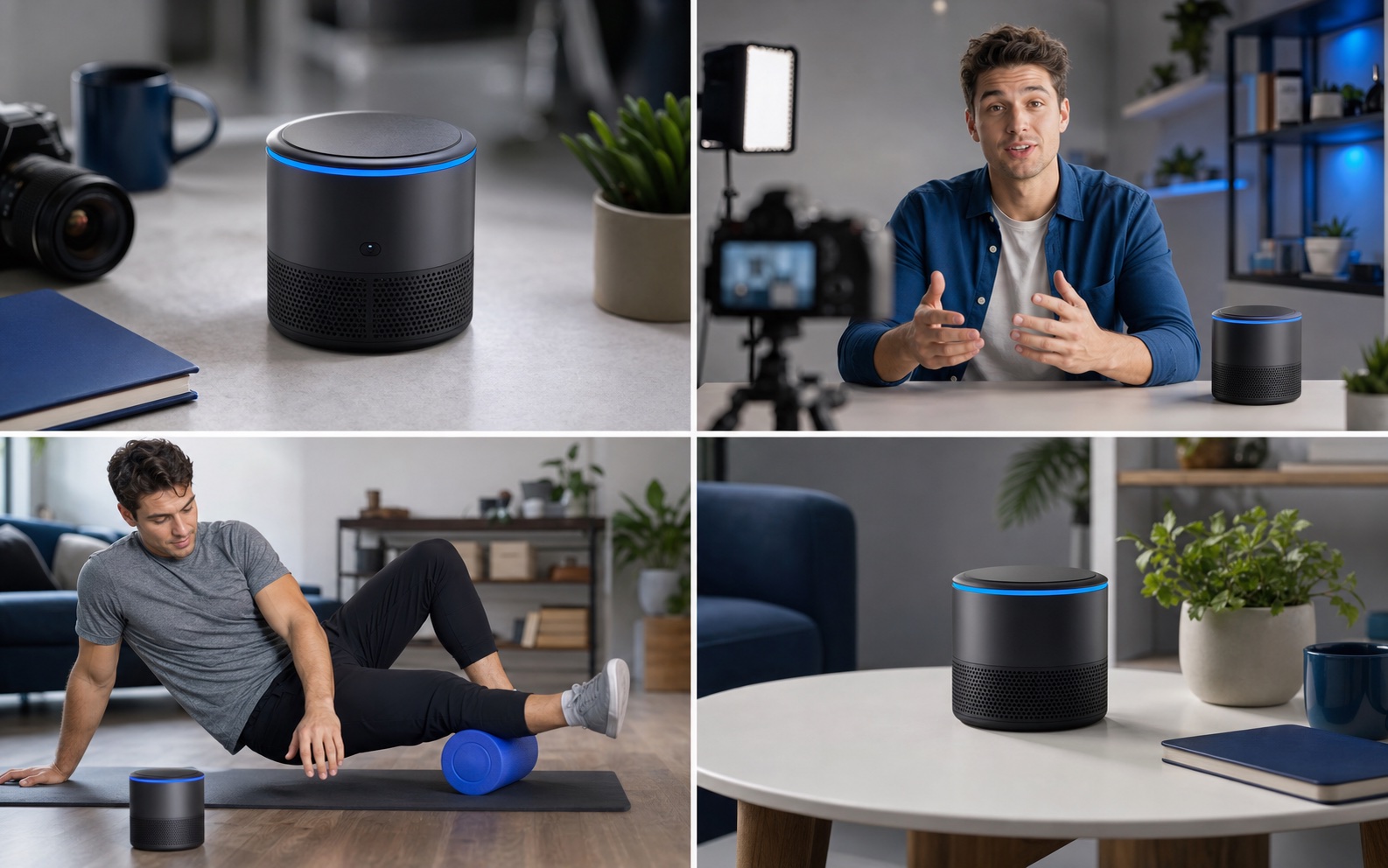
The main visual captures how one script becomes a compact sequence: opening hook, product proof, benefit moment, and final CTA.
Convert a product pitch into a short video that opens with a clear problem, shows the benefit, and closes with a specific action.
Draft creator-style scene beats and on-screen captions from a testimonial, review, or campaign angle.
Use a product page or offer summary as source material for several video ad directions without starting from a blank prompt.
Start with raw campaign copy, a product description, or a URL. Include audience, offer, objections, and required claims when they matter.
Use the generated plan to check the hook, scene order, proof points, and CTA before spending credits on media generation.
Create assets from the same project context, then revise weak scenes, captions, or pacing while keeping the campaign history intact.
The tool is designed to start from script text and turn it into a guided video ad workflow. Final media generation depends on the selected model, references, and project settings.
Images are recommended when product appearance, packaging, or brand style matters. Text alone works for ideation, but references usually improve creative consistency.
No. The same structure works for organic product videos, creator briefs, launch teasers, and short explainer clips, but the default flow is optimized for ad clarity.
Bring the script, product angle, and references. The tool page keeps the first prompt, creative plan, and generated assets connected.
Open the video ad generator