
VideoSeedance 2.0
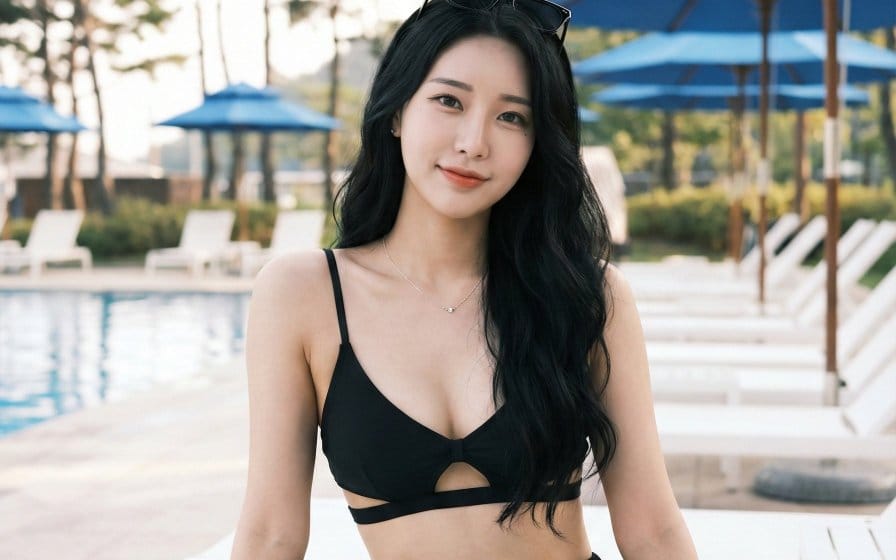
Korean Woman Poolside Resort Shot Prompt
A photorealistic prompt for generating a medium shot of a beautiful young Korean woman sitting on a lounge chair at a resort poolside, styled as a candid Instagram influencer photo with K-pop idol aesthetics.
Prompt
@图片 Chinese-style Shan Hai Jing mythical beast transformation, 0-12 seconds frame-by-frame switching of immortal dresses, paired with corresponding spirit ear hair crowns + exclusive light effects, soft-light effects throughout, lively, cute, and commanding 1. 0-1 seconds: nine-tailed fox immortal dress, fox ear hair crown, fox tail fluttering, soft, cute, and lively 2. 1-2 seconds: turn around and transform into Yinglong scale-pattern dress, dragon horn hair crown, dragon aura surrounding, noble and lively 3. 2-3 seconds: hand blocks and transforms into Bai Ze immortal dress, Bai Ze ear ornaments, holding a jade ruyi, auspicious immortal aura 4. 3-4 seconds: gather arms and transform into phoenix feather dress, phoenix feather hair crown, flowing light dancing, stunning and lively 5. 4-5 seconds: look up and transform into Qilin brocade dress, Qilin hair crown, golden light protection, grand and cute 6. 5-6 seconds: turn around and transform into Taotie dark-pattern dress, beast ear hair crown, aura cold and fierce yet cute 7. 6-7 seconds: touch hair and transform into Qiong wind-sand dress, wind-pattern hair crown, flowing and lively 8. 7-8 seconds: lift sleeves and transform into Qingniao feather dress, feather crown, light as a flying bird 9. 8-9 seconds: move hand and transform into vermilion flame fire fox dress, flame fox ears, warm light surrounding 10. 9-10 seconds: flick sleeves and transform into Cangxuan Azure Dragon dress, green jade hair crown, cool and high-end 11. 10-11 seconds: turn sideways and transform into Shan Hai Emperor dress, Shan Hai mythical beast crown, oppressive aura and immortal aura coexisting 12. 11-12 seconds: return to nine-tailed fox immortal dress, spiritual charm light effect ending
How to use this prompt
- 1Copy the prompt exactly, then paste it into your preferred model or Ideart project.
- 2Replace product, subject, audience, and style details with your own context.
- 3Generate one baseline result first, then remix the strongest direction into a campaign, image set, or video concept.
Build from this prompt
Turn a video prompt into a finished creative project.
Save the prompt, add reference images or notes, and let Ideart shape the next production step from the same creative thread.