
How to Write Image to Video Prompts That Work
A five-part structure for writing an image to video prompt that keeps the subject stable: what to lock, one action, one camera move, and how to iterate.
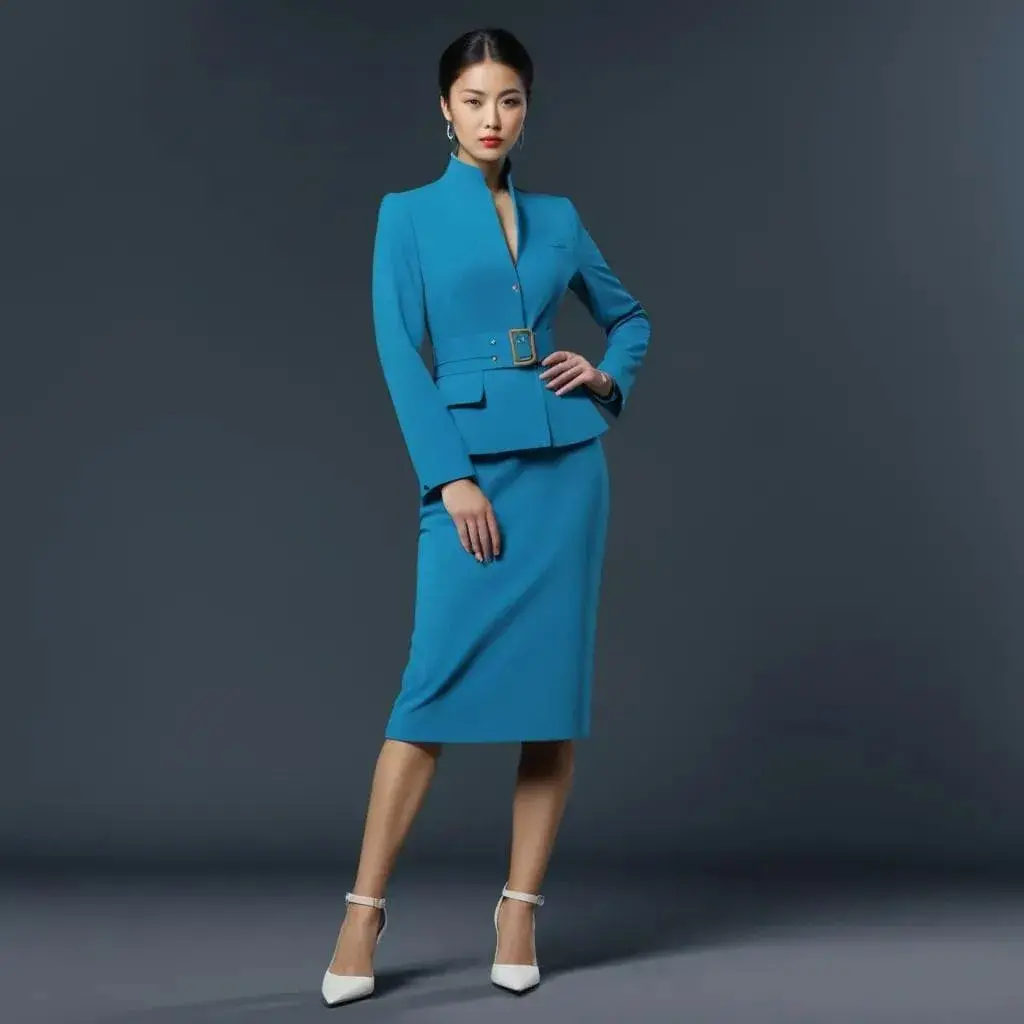
An image to video prompt is not a second description of your picture. The image already fixes the subject, the composition, the colours and most of the light. What the model still needs from you is movement: what moves, how the camera behaves, and what has to stay exactly where it is. Get that split right and the same source frame stops drifting between takes.
This guide gives you a five-part structure for an image to video prompt, a worked before-and-after example, the limits each model in the AI image to video generator imposes on what you can ask for, and the five mistakes that waste the most credits.
What an image to video prompt actually controls
Your source image is the strongest instruction in the whole request. It carries the subject, the framing, the palette and the lighting, and the model treats it as the opening state of the clip. Re-describing all of that in the prompt does not reinforce it — it competes with it, because the words and the pixels are rarely a perfect match.
An image to video prompt controls the parts the image cannot express:
- Motion — what the subject does over the next few seconds.
- Camera — whether the frame pushes in, pulls back, tracks or holds.
- Secondary movement — hair, fabric, steam, water, background traffic.
- Pacing — slow and deliberate, or quick and energetic.
- The final frame — where the shot needs to land.
Everything else is already decided. A prompt that spends its first two sentences on "a woman in a red coat standing on a wet street at night" is spending its budget on facts the model can already see.
The five-part image to video prompt structure
Write every image to video prompt in the same order. The order matters: models weight the front of a prompt more heavily, so what must not change goes first.
1. Lock what must not change
Name the elements whose identity is load-bearing before you ask for any motion. This is the single highest-leverage sentence in an image to video prompt.
Things worth locking:
- facial identity, hairstyle, skin tone
- product geometry, label text, logo placement
- wardrobe and accessories
- background architecture and signage
- packaging layout
Write it plainly: Preserve the bottle shape, the label text and the studio lighting.
2. Name one subject action
One action. Not three. A clip of four to six seconds cannot show a person turn, walk, sit and smile without rushing all four, and rushed motion is where faces and hands break down.
Use verbs the model can act on — turning, walking, blinking, pouring, rotating, stepping forward — rather than mood words like dynamic or lively, which describe how the result should feel rather than what should happen.
3. Choose one camera move
Pick a single camera intention and let it run for the whole clip:
- slow push-in
- gentle pull-back
- left-to-right tracking shot
- subtle handheld drift
- locked camera, subject motion only
If your source image is already well composed, a locked camera or a small push-in protects that composition. A full orbit throws it away and asks the model to invent three-quarters of a scene it has never seen.
4. Add one layer of background motion
Secondary movement is what separates a video from a slowly zooming photo. Keep it subordinate to the main action:
- hair or fabric moving in a light breeze
- steam, mist, dust, rain or falling leaves
- a travelling highlight across glass or metal
- out-of-focus pedestrians or traffic
- water, curtains, or drifting particles
One layer is usually enough. Two competing layers of atmosphere pull attention away from the subject.
5. Say how the shot ends
Most image to video prompts stop describing the shot halfway through, and the last second is where a clip either lands or falls apart. Say where it should settle: End on a centred hero frame with the label fully readable, or Hold the final pose for the last half second.
A worked example: weak prompt to strong
Here is the same job written twice, against a studio product photo.
Weak:
A beautiful cinematic video of a luxury serum bottle on a reflective surface, elegant lighting, premium feel, high quality, 4k, amazing detail.
Nothing in that prompt is actionable. Every adjective describes the still image the model already has, and not one word says what should move.
Strong:
Preserve the bottle shape, the label text and the studio lighting. The bottle rotates slowly by about fifteen degrees while a narrow highlight travels across the glass. The camera makes a gentle push-in. Fine mist drifts across the background. End on a centred hero frame with the label fully readable.
The second version is barely longer. It is better because every clause is a decision the model has to execute, and because a reviewer can check each one against the result.
Match the image to video prompt to the model
Asking for motion the selected model cannot produce is the most common reason a good prompt returns a bad clip. Ideart publishes three video models, and each of them animates a still image under different limits:
| Model | Clip length | Resolutions | Audio | Images accepted |
|---|---|---|---|---|
| MiniMax H3 | 5–15s | 768P, 2K | No | Exactly 1 |
| Seedance 2.5 | 4–30s | 480p, 720p | Yes | Up to 2 |
| Seedance 2.0 | 4–15s | 480p, 720p, 1080p | Yes | Up to 2 |
Two practical consequences:
- Length is a constraint, not a quality setting. A five-second clip that holds identity beats a fifteen-second clip that loses the face at second eight. Ask for the shortest duration that fits the action you described.
- Longer costs proportionally more. Video is billed per second, so a ten-second clip costs twice a five-second one at the same settings. The price is fixed by those settings, and a render that fails is refunded automatically.
Aspect ratio is worth setting deliberately too. Every published video model offers 16:9, 9:16, 1:1, 4:3, 3:4 and 21:9, and cropping a finished clip afterwards throws away resolution you already paid for. Decide where the video is going — feed, story, hero banner — before you generate, not after.
If you want the specification for a single model — supported operations, clip lengths and reference limits — open its page, for example Seedance 2.5, or browse all the AI generation models.
Five mistakes that ruin an image to video prompt
- Re-describing the image. The picture is already in the request. Words spent on it are words not spent on motion.
- Stacking transformations. A dramatic subject action, a fast orbit, a lighting change and a wardrobe swap in one four-second clip give the model four goals that fight each other.
- Mood words instead of verbs. Cinematic, stunning and epic do not specify movement. Push in slowly while she turns towards the window does.
- Asking for readable text to change. Logos, packaging copy and signage are the first things to smear once they move. Lock them, keep the camera calm, and keep them large in frame.
- Rewriting the whole prompt after every take. You lose the parts that worked and cannot tell which change caused which result.
How to iterate without starting over
After the first take, change one thing. An image to video prompt is easier to debug when each generation differs from the last in a single, named way:
- Keep the motion, but halve the camera push-in.
- The product shape is correct. Slow the rotation and remove the background mist.
- Same shot, but hold the final frame for longer.
Two or three targeted passes usually beat ten rewrites, and they cost less. Every signed-in account gets 100 free credits a day, which covers still renders rather than clips — so the cheap place to practise the structure is on images, before you spend video credits on it. If you would rather start from something proven, the video prompt library is free to read and remix — browsing it costs no credits.
Image to video prompt FAQ
How long should an image to video prompt be?
Two to four sentences is usually enough. Length is not the goal; a short prompt where every clause is an instruction outperforms a long one padded with adjectives about the source image.
Should I describe the image in the prompt?
Only the parts that must stay fixed. Naming the subject's identity, a product's shape or a logo's position helps the model protect them. Describing colours, framing and lighting the image already shows adds nothing.
Why does my subject's face change during the clip?
Usually too much motion for the duration. Shorten the clip, pick a calmer camera move, and name the facial identity explicitly in the preserve clause before asking for any action.
Can one image to video prompt produce a longer scene?
Not in one clip. Generate several short clips that each hold up, keeping the same source image and preserve clause, then cut them together. That is more reliable than asking one generation to carry thirty seconds of story.
Can an image to video clip have sound?
That depends on the model, not the prompt. Seedance 2.5 and Seedance 2.0 produce audio-capable output; MiniMax H3 does not. Pick the model before you write the brief if the clip needs sound.
How much does an image to video generation cost?
It depends on the model, the resolution and the length. A default five-second MiniMax H3 clip costs 275 credits, and credits are priced at 100 to the US dollar. The same settings always cost the same, so the figure is settled before you send anything.
Ready to run your image to video prompt?
Bring one sharp source frame and a five-part motion brief. Pick the model, set the duration and resolution — those three decide the price — and iterate on the take instead of rewriting it.
Try the AI image to video generator →
Keep reading
More on writing an image to video prompt and choosing between the generation modes: