
Text to Video vs Image to Video: Which to Use
Text to video vs image to video: how each handles control, consistency and cost, when to pick which, and the workflow that uses both in the right order.
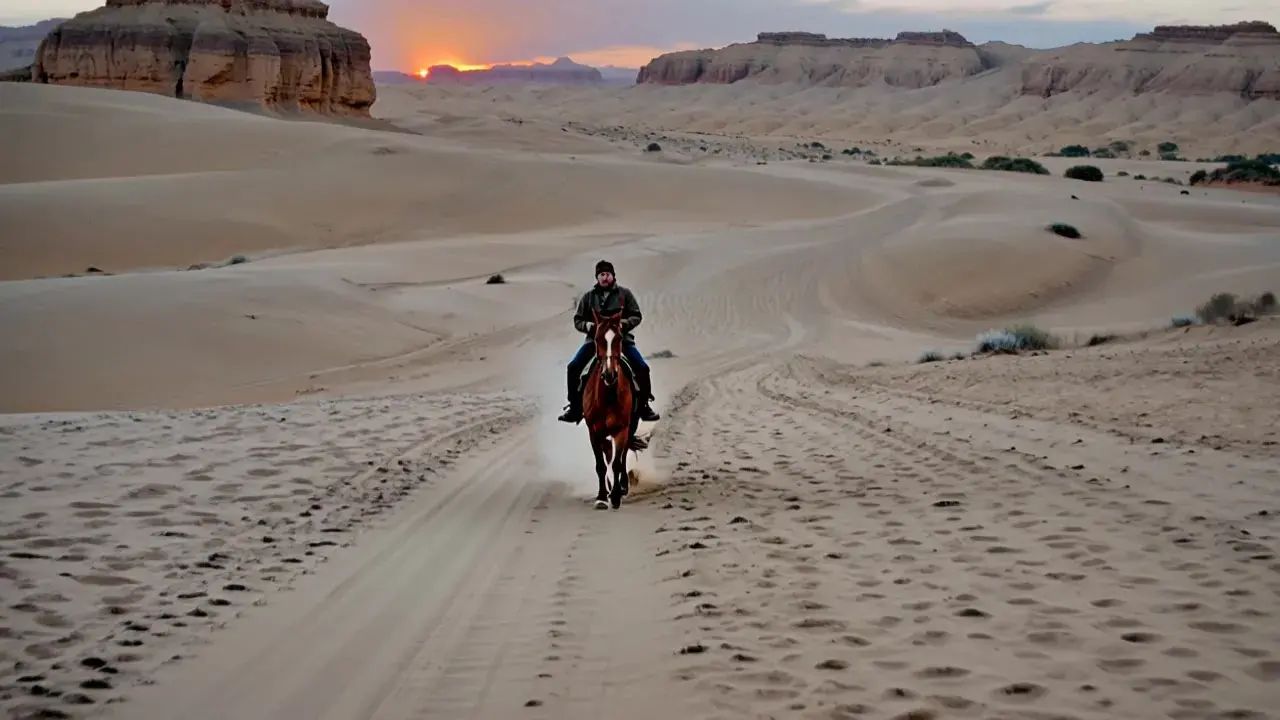
Every AI video starts one of two ways: from words alone, or from a picture you already have. That is the whole of text to video vs image to video, and picking the wrong one is the most common reason a generation comes back looking nothing like the thing in your head.
This comparison covers how each mode works, what each one gives you control over, where each one fails, what they cost, and a decision table you can apply to your next shot.
Text to video vs image to video in one paragraph
Text to video builds the whole frame from your description — subject, setting, framing, lighting, motion. You get range and speed, and you give up precise control of what things look like. Image to video starts from a still you supply and animates it, so composition, colours and identity are already settled and the prompt only directs movement. Text to video is for exploring an idea; image to video is for moving something specific that has to stay recognisable.
How text to video works
You write a prompt, choose a model, set the duration, resolution and aspect ratio, and the model generates every frame. Nothing about the picture is fixed in advance, so two runs of the same prompt produce two different-looking clips.
That variance is the feature. When you do not yet know what the shot should look like, AI text to video generation is the cheapest way to see five interpretations of an idea and find out which one you actually wanted.
It is also the limitation. If the clip has to show your product, your character or your brand colours, a text prompt is a lossy way to specify them, and each regeneration re-rolls the details you were trying to keep.
How image to video works
You upload a still image and describe the motion. The image supplies the subject, framing, palette and most of the lighting; the prompt supplies what moves, how the camera behaves and what has to stay put.
Because the first frame is fixed, AI image to video generation is repeatable in a way text to video is not. Run it three times and you get three versions of the same look, which is what makes it usable for product shots, campaign assets and anything with a face or a logo in it.
The trade is that the clip can only ever be about what is in the picture. The model cannot show you the other side of a building it has never seen, and it will invent badly if you ask.
Text to video vs image to video: the differences that matter
| Text to video | Image to video | |
|---|---|---|
| What you supply | A written prompt | A still image plus a motion prompt |
| Who decides the look | The model | You, in the source image |
| Consistency across takes | Low — every run differs | High — the first frame is fixed |
| Prompt should describe | Subject, setting, style, motion | Motion, camera, what must not change |
| Typical failure | The right idea, the wrong-looking subject | Identity drift once the motion gets ambitious |
| Best for | Concepts, moods, backgrounds, b-roll | Products, characters, brand assets, ads |
The row that decides most projects is consistency. If you need the same object to appear the same way in six clips, text to video will make you fight for it and image to video gives it to you for free.
When to pick text to video
Choose text to video when the picture does not exist yet and nothing in the shot has to match something real:
- Concept exploration. Five takes on "a lone rider crossing a dune field at sunrise" tells you what the sequence wants to be.
- Backgrounds and b-roll. Establishing shots, textures, weather, ambience — footage nobody will scrutinise for identity.
- Moodboards and pitches. You need the feel of a campaign before anyone approves the product photography.
- Anything you would otherwise licence as stock.
The practical tell: if you cannot name a specific real object that must appear correctly, text to video is the faster route.
When to pick image to video
Choose image to video when something in the frame has to survive intact:
- Product video. The bottle, the shoe, the packaging, the label copy.
- Faces and characters. A person the audience is meant to recognise across shots.
- Brand assets. Approved photography that has already been signed off.
- Reworking a still you like. You already generated the perfect image; now it needs to move.
If you need a character to hold a look across several different shots rather than one, that is a third case — the consistent character video generator exists for exactly that job.
The workflow that uses both
Treating text to video vs image to video as an either/or decision misses the most reliable production route, which uses both in order:
- Generate a still first. Make the frame in an image model, where a bad result costs a fraction of a video and you can iterate quickly.
- Approve the look. Composition, colour, product accuracy, the face — settle all of it while it is still a picture.
- Animate the approved still. Now the video model only has to solve motion, which is the part it is good at.
This is cheaper as well as more controllable. An image render costs a fraction of a video clip at the same quality bar, so every problem you catch at step two is a problem you did not pay video prices to discover.
There is a middle option too. The Seedance models take reference inputs alongside the prompt — images, and on some operations video or audio — so you can hand the model a subject to keep without giving it the entire opening frame. That sits between the two modes: more direction than text alone, more freedom than animating one fixed still.
Cost: does text to video vs image to video change the price?
The mode itself does not change the rate. Video is billed per second of output, so the model, the resolution and the clip length set the price, not whether you started from text or from a picture. A default five-second MiniMax H3 clip costs 275 credits, and credits are priced at 100 to the US dollar, so a ten-second version of the same clip costs twice as much.
Where the two modes differ is in wasted spend. Text to video takes more attempts to hit a specific look, and every attempt is a full video render. Image to video front-loads the iteration into cheap image renders and usually reaches an approved clip in fewer video generations.
The price follows from the model, resolution and clip length, so the same settings always cost the same; a render that fails is refunded automatically, and every signed-in account gets 100 free credits a day to test image work with. Plans are listed on the credit-based pricing page.
Text to video vs image to video FAQ
Which produces better quality?
Neither, at the same model and resolution. They differ in control, not in fidelity. Image to video looks better more often only because you approved the first frame before spending video credits on it.
Can I use the same prompt for both?
No, and this is the most common mistake. A text to video prompt has to describe the whole scene. An image to video prompt should describe almost nothing except the motion, because the picture already carries the rest.
Do the same models handle both modes?
All three published video models — MiniMax H3, Seedance 2.5 and Seedance 2.0 — support generating from text and animating a still. They differ in clip length, resolution and whether they produce audio, which is listed on each model page.
Can I turn a text to video result into an image to video source?
Yes, and it is a good habit. Pull a frame you like out of a text to video clip, or regenerate that look as a still, then animate the still. You keep the composition the model found and stop re-rolling it on every take.
Which one should a beginner start with?
Image to video. The result is easier to judge because you can compare it to the source frame, and a single fixed input removes most of the variables while you learn how motion prompts behave.
Ready to test text to video vs image to video on your own shot?
Run the same idea both ways: once from a written prompt, once from a still you approve first. The difference in control is obvious within two takes, and each one is priced from the model, resolution and length you picked.
Keep reading
More on text to video vs image to video and the prompts behind each mode: