
01
Convert a public video URL to text
Paste a public page from YouTube, Vimeo, TikTok, Douyin, Bilibili, X, Instagram, Facebook, Twitch, or Dailymotion, or attach one video or audio file.
Paste a supported public video URL or upload one media file. This video to text converter creates searchable transcript text, word timing, optional speaker labels, and subtitle-ready files.
Convert video to text with timestamps
Use this video to text converter when you have a supported public video URL or one uploaded media file and need a searchable transcript with timestamps. It accepts hosted-video pages, direct public media URLs, video uploads, and audio uploads, then returns reusable TXT, JSON, SRT, and VTT files through the protected project workflow.
Paste a public page from YouTube, Vimeo, TikTok, Douyin, Bilibili, X, Instagram, Facebook, Twitch, or Dailymotion, or attach one video or audio file.
Supported public URLs can prepare media up to 24 hours and 4 GB in 30-minute chunks. Direct uploads keep the shared 50 MB single-file limit.
Standard transcription detects language and returns word timing. Choose speaker-aware mode only when an interview needs speaker labels, audio-event tags, or keyterm guidance.
Every result uses one text, language, duration, word, segment, speaker, and provenance structure, with JSON, TXT, SRT, and VTT exports.
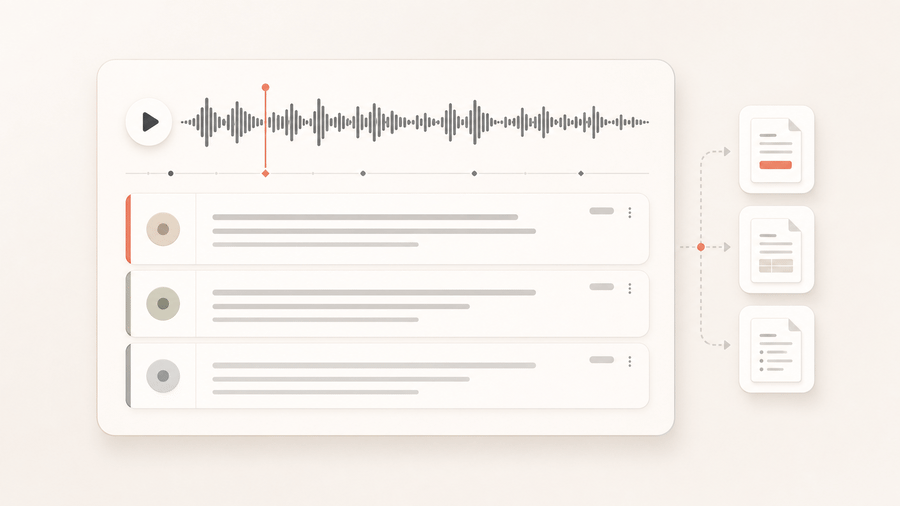
Transcribe a two-person interview with word timing and speaker-aware segments for editing and quote review.
Transcribe this interview in speaker-aware mode and keep speaker labels.
A searchable project transcript plus SRT and VTT subtitle files.
Use standard transcription for a lecture, webinar, or monologue when searchable text and timestamps matter but speaker labels do not.
Transcribe this long video to text in standard mode, detect the language, and preserve timestamps.
Searchable, word-timed text without inferred speakers.
Credits are settled from actual transcript duration. Choose the mode by the output you need rather than implementation details.
Includes automatic language detection and word-level timestamps. This mode does not add speaker labels.
Adds speaker labels and audio-event tags. Enabling keyterm guidance costs 540 credits per hour.
The result records the selected mode, actual duration, and unsupported options. Transcript files remain protected by the originating project.
See how one public link or uploaded file becomes structured text with timing data and reusable download formats.
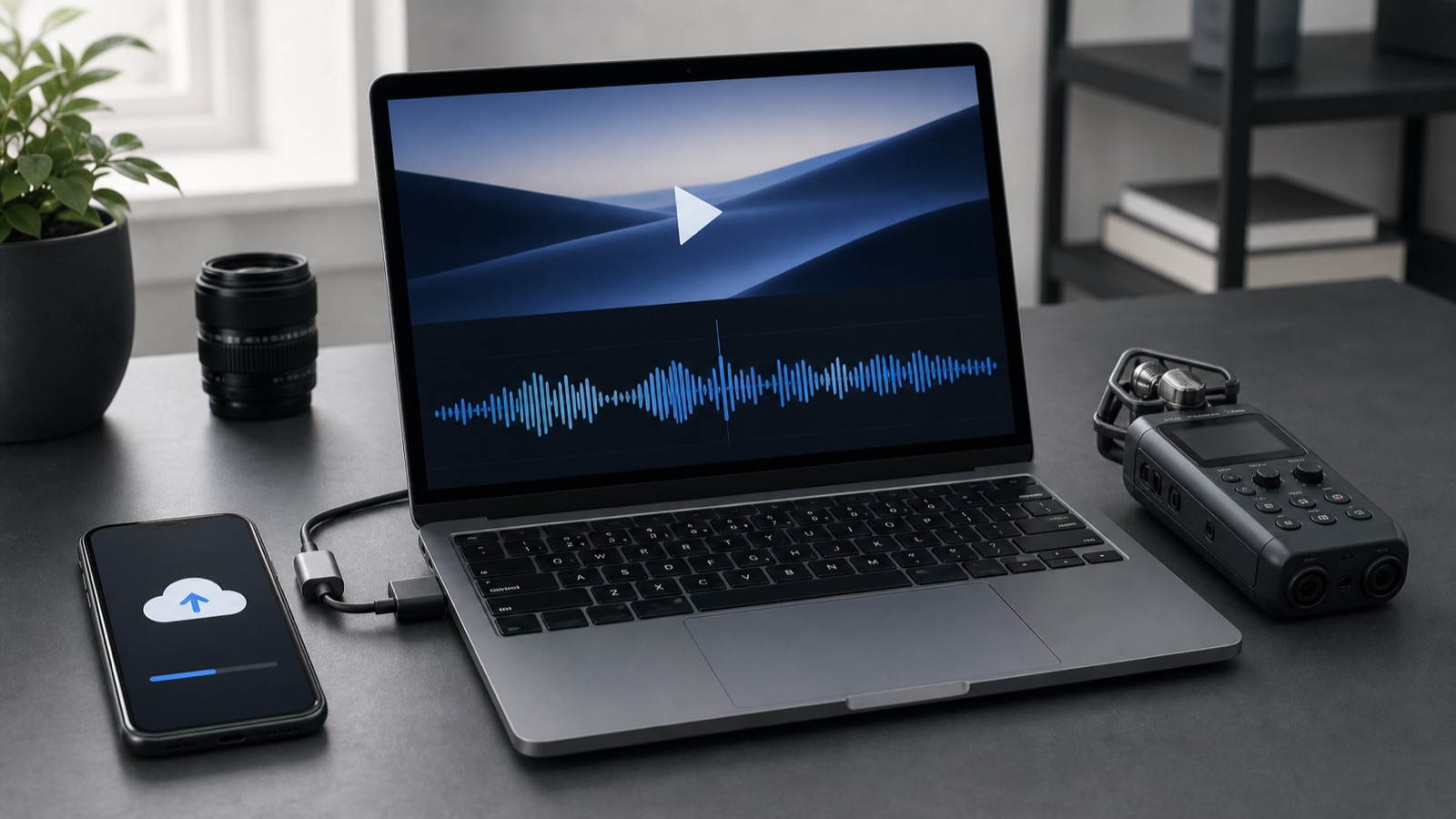
Paste a public video URL or upload one audio or video file. The sandbox downloads and normalizes the source before transcription.
Speech is normalized into searchable text, timed words, and readable segments. Speaker-aware mode can also retain speaker labels and audio events.
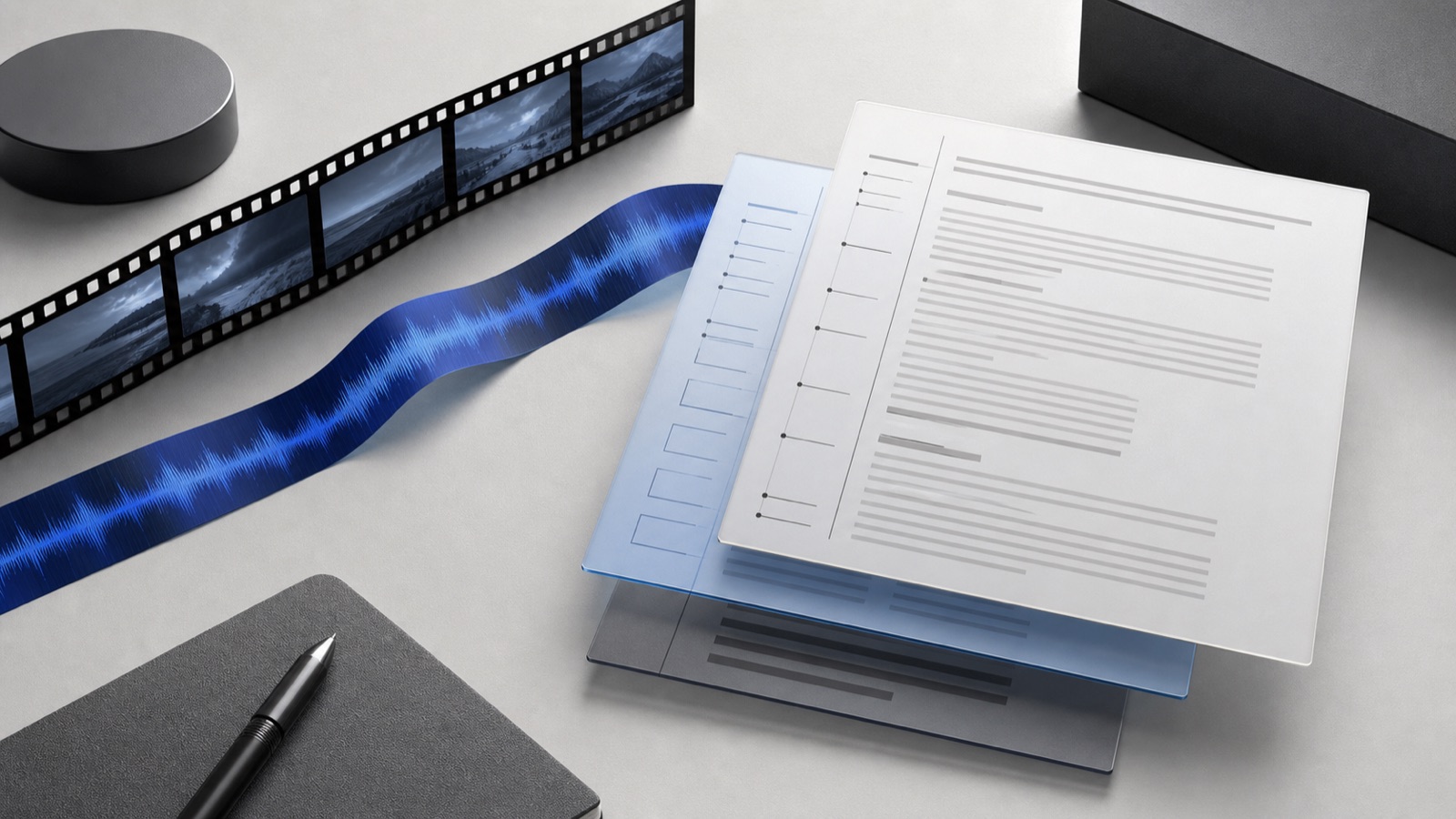
Reuse the completed result as plain text, structured JSON, SRT captions, or WebVTT without another transcription job.
Create reviewable speaker-aware transcripts for show notes, quotes, chapters, and editorial handoff.
Turn recorded lessons into searchable notes and subtitle files for accessibility and localization.
Preserve timestamped evidence from calls before summarizing themes or extracting decisions.
Paste a public URL or upload one audio/video file. Private and local-network URLs are rejected.
Choose standard transcription for timestamped text, or speaker-aware mode when speaker labels or audio events matter.
Open the transcript in the project and download JSON, TXT, SRT, or VTT without paying for another transcription job.
Paste a public YouTube video, Short, or live replay link. Generate a YouTube video transcript with word timing, searchable text, and reusable subtitle files.
Upload one MP4 or supported audio file up to 50 MB. Convert the spoken content to searchable text, word timing, and reusable transcript or subtitle downloads.
Paste a public Instagram Reel or video-post URL with accessible spoken audio. Generate a Reel transcript with timestamps and subtitle files without uploading the media again.
Paste one public TikTok video link. Transcribe the spoken audio into searchable text, preserve useful timing, and export captions without uploading the clip.
Paste one supported public page or direct media URL into the runner. Public pages from YouTube, Vimeo, TikTok, Douyin, Bilibili, X or Twitter, Instagram, Facebook, Twitch, and Dailymotion are supported, along with uploaded files.
Supported public URLs can prepare media up to 24 hours and 4 GB in 30-minute chunks. Direct uploads accept one video or audio file up to 50 MB. Processing limits can be lower.
Standard transcription costs 10 credits per minute. Speaker-aware transcription costs 440 credits per hour, or 540 credits per hour with keyterm guidance enabled.
Every completed transcript can export JSON, TXT, SRT, and VTT. Choose speaker-aware mode when you also need speaker labels or audio-event tags.
Start with one URL or file, then reuse the transcript for subtitles, notes, research, and downstream content.