
01
Paste the YouTube link you already have
Use a standard watch URL, a youtu.be share link, a public Short, or a public live replay. Private, deleted, login-only, and local-network sources are not accepted.
Paste a public YouTube video, Short, or live replay link. Generate a YouTube video transcript with word timing, searchable text, and reusable subtitle files.
Get a YouTube transcript from a public video URL
This YouTube transcript generator converts the spoken audio from a public watch, share, Shorts, or replay URL into searchable text with timestamps. It does not require an existing caption track, and the completed transcript can be reused for study notes, quotations, captions, chapters, or an editable script.
Use a standard watch URL, a youtu.be share link, a public Short, or a public live replay. Private, deleted, login-only, and local-network sources are not accepted.
The workflow prepares the public video audio for speech recognition, so a usable existing YouTube caption track is not required.
Standard transcription detects the spoken language and returns word timing for searchable review, quotes, chapter notes, and subtitle generation.
Download clean TXT, structured JSON, SubRip SRT, or WebVTT from the completed project artifact without transcribing the video again.
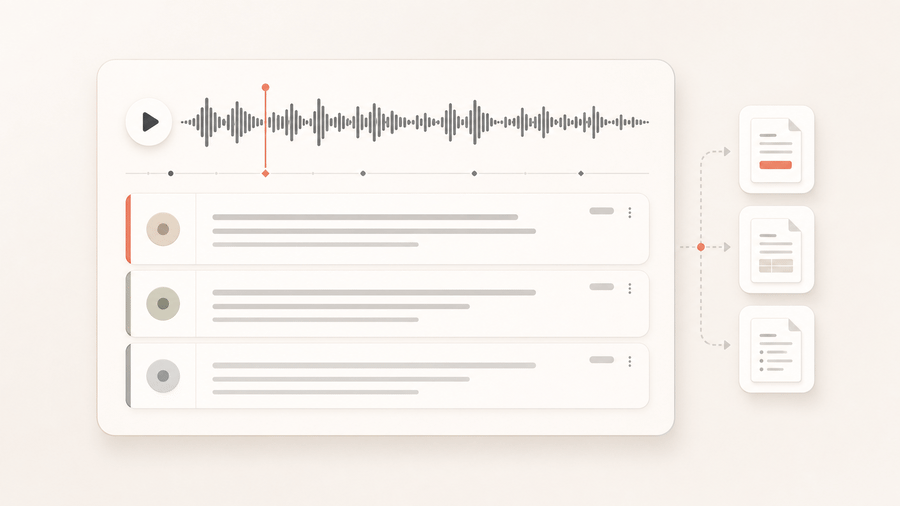
Turn a long public lesson into searchable notes while preserving timestamps for citations and review.
Transcribe this YouTube lecture with automatic language detection and timestamps.
A searchable transcript plus subtitle files that point back to the spoken timeline.
Use speaker-aware mode when a public interview, panel, or podcast video needs labeled turns.
Transcribe this YouTube interview with speaker labels and word timestamps.
Speaker-aware segments for editorial review, quotes, and show notes.
Credits are settled from actual transcript duration. Choose standard transcription for timed text or speaker-aware transcription when dialogue needs attribution.
Includes automatic language detection and word-level timestamps. This mode does not add speaker labels.
Adds speaker labels and audio-event tags. Enabling keyterm guidance costs 540 credits per hour.
The completed result records the selected mode, actual duration, and exports. TXT, JSON, SRT, and VTT downloads do not start another transcription job.
See how one public link or uploaded file becomes structured text with timing data and reusable download formats.
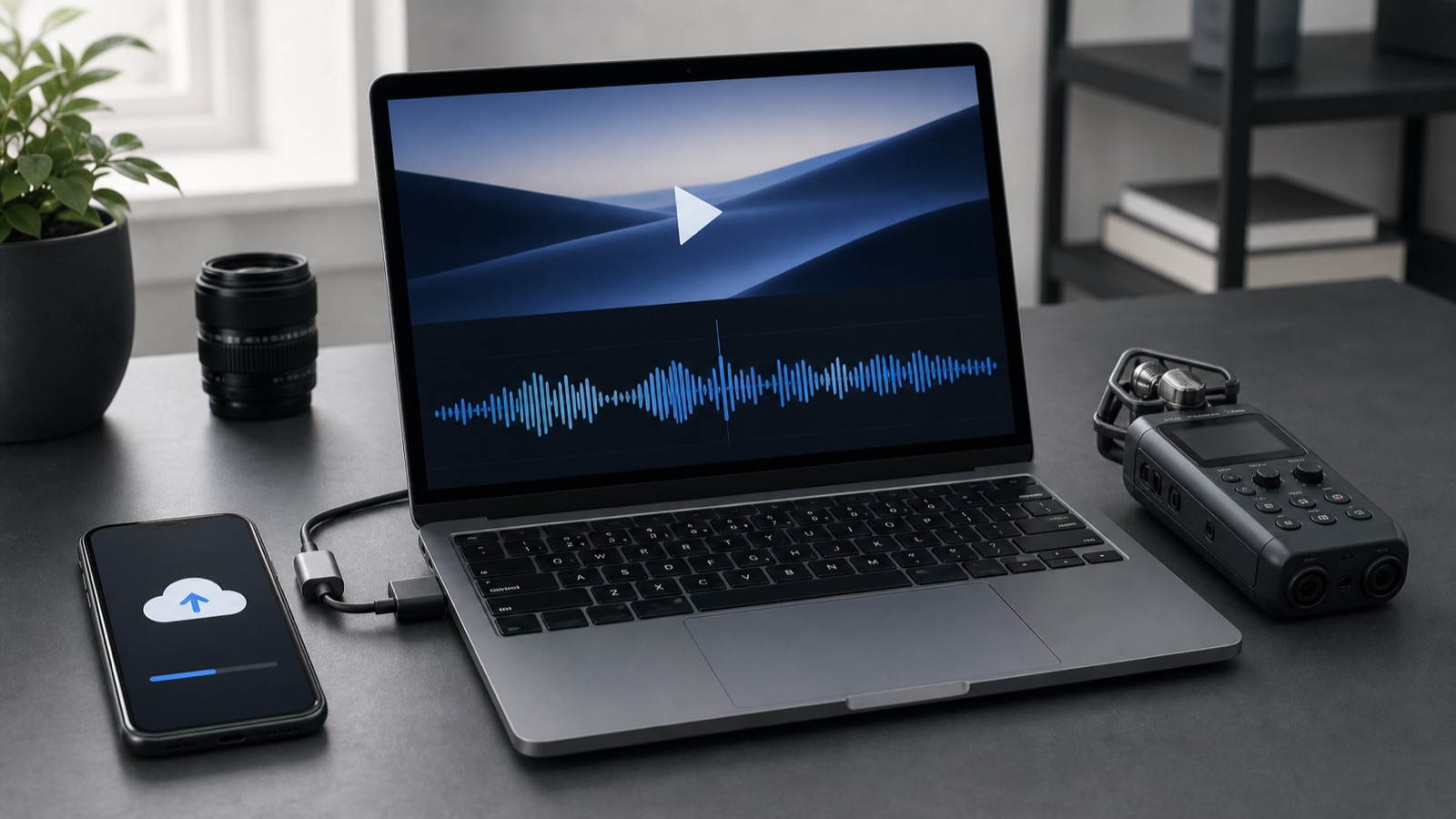
Paste a public video URL or upload one audio or video file. The sandbox downloads and normalizes the source before transcription.
Speech is normalized into searchable text, timed words, and readable segments. Speaker-aware mode can also retain speaker labels and audio events.
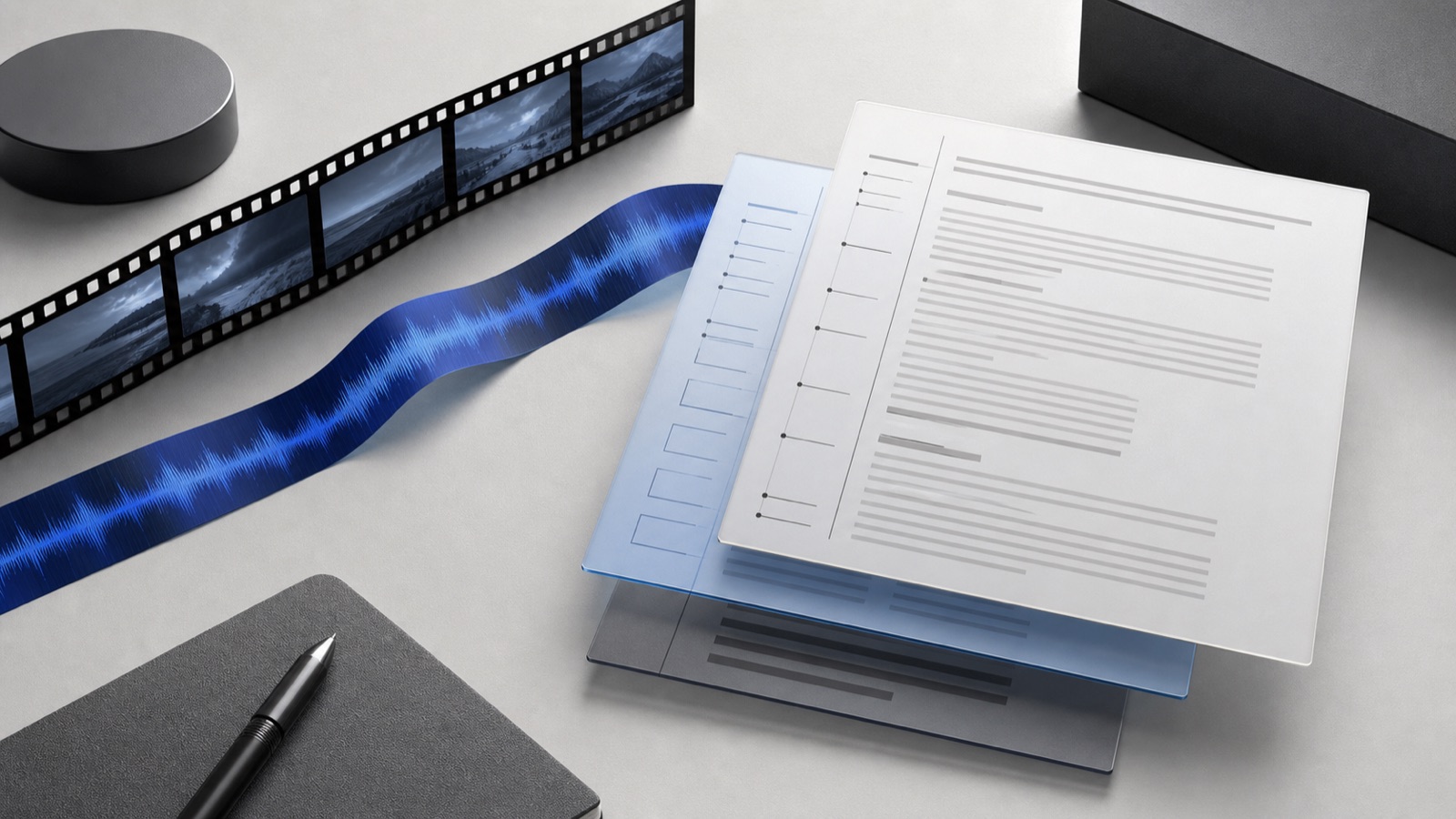
Reuse the completed result as plain text, structured JSON, SRT captions, or WebVTT without another transcription job.
Search lectures, preserve quotations with timestamps, and review material without repeatedly scrubbing the video.
Recover the spoken script for captions, chapters, show notes, newsletters, and content repurposing.
Analyze public webinars, interviews, demos, and customer education videos as text before summarizing claims.
Add one video, Shorts, youtu.be, or live replay URL. The source must be publicly reachable without a login.
Choose standard transcription for word-timed text, or speaker-aware mode when genuine speaker labels are important.
Open the transcript result in the project, then download TXT, JSON, SRT, or VTT for the next workflow.
Paste a supported public video URL or upload one media file. This video to text converter creates searchable transcript text, word timing, optional speaker labels, and subtitle-ready files.
Upload one MP4 or supported audio file up to 50 MB. Convert the spoken content to searchable text, word timing, and reusable transcript or subtitle downloads.
Paste a public Instagram Reel or video-post URL with accessible spoken audio. Generate a Reel transcript with timestamps and subtitle files without uploading the media again.
Paste one public TikTok video link. Transcribe the spoken audio into searchable text, preserve useful timing, and export captions without uploading the clip.
Paste a supported public watch URL, youtu.be share link, Short, or live replay into the runner. The workflow processes the spoken audio and returns a project transcript with timestamps.
Yes. The transcription runtime can process spoken audio from a supported public YouTube source instead of relying on an existing caption track. Private, removed, login-only, or region-blocked sources may remain unavailable.
Standard transcription costs 10 credits per minute. Speaker-aware transcription costs 440 credits per hour, or 540 credits per hour with keyterm guidance.
Yes. Download the completed result as TXT or structured JSON for transcript work, or as timestamped SRT and VTT files for subtitles.
Start with one public link and keep the resulting transcript, timestamps, and subtitle downloads inside your project.