
VideoSeedance 2.0
Dramatic Character Gacha Reveal Sequence
A detailed, multi-phase prompt for generating a dramatic character reveal sequence, mimicking the style of a high-production gacha game. It includes specific instructions for visual effects, camera work, typography, and action choreography across five distinct phases, culminating in a final character composition.
Prompt
ガチャ演出

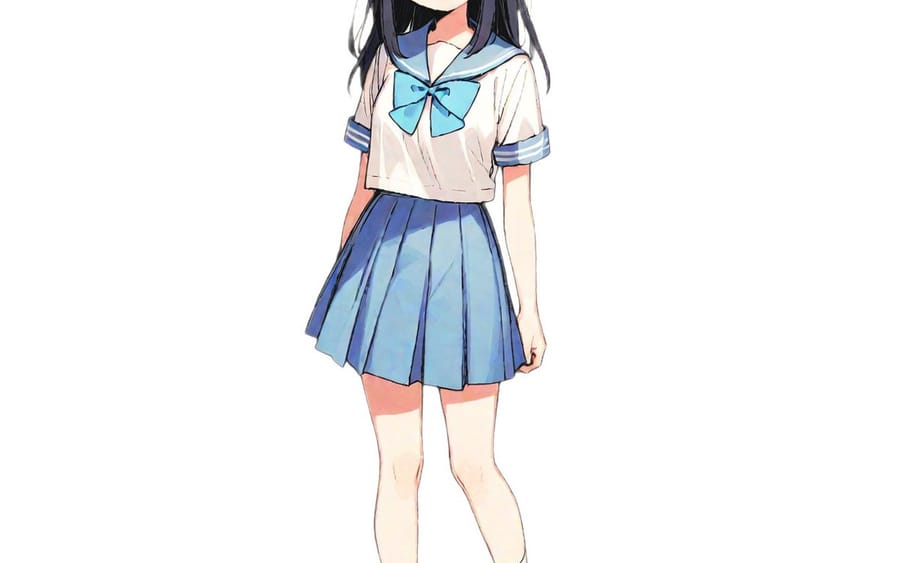
A dramatic character gacha reveal sequence. Phase 1: Against a dark backdrop featuring a large calligraphic emblem and halftone dot pattern decorations matching the character's aesthetic, golden cross-shaped stars fly in from off-screen with lens flare light spikes, landing into a horizontal row with pulsating flash impacts. Multiple waves of white-gold explosions confirm the 5-star rarity. Phase 2: Hard cut to black, then the character fades in from darkness at center-right. Bold white text of their signature catchphrase appears center-frame with kinetic typography and cyan glow effects, glitch-frame borders in magenta and green flicker at screen edges. The character performs confident action poses while lightning effects arc from their weapons. Phase 3: Dynamic action sequence with extreme camera angles — low angle looking up at the character mid-leap, debris flying, motion blur conveying speed. The character unleashes their signature attack with yellow energy blasts. Camera orbits around them showing multiple dramatic angles with shallow depth of field. Phase 4: Explosive rapid-fire montage — the entire screen shifts to the character's theme color as a duotone filter. Hard cuts every 2-5 frames cycle through close-ups, silhouettes, and action poses. Bold typography of the character name animates in fragments between cuts. Diagonal stripe overlays, hazard tape motifs, and 1-frame flash impacts punctuate every transition. Phase 5: The montage instantly resolves into a clean final composition — character's full standing illustration on the left, calligraphic emblem upper-right, name plate lower-right, large golden rank letter lower-left, theme-colored digital particle accents floating around the character.3f:T6df,Gacha pr
How to use this prompt
- 1Copy the prompt exactly, then paste it into your preferred model or Ideart project.
- 2Replace product, subject, audience, and style details with your own context.
- 3Generate one baseline result first, then remix the strongest direction into a campaign, image set, or video concept.
Build from this prompt
Turn a video prompt into a finished creative project.
Save the prompt, add reference images or notes, and let Ideart shape the next production step from the same creative thread.